Stella
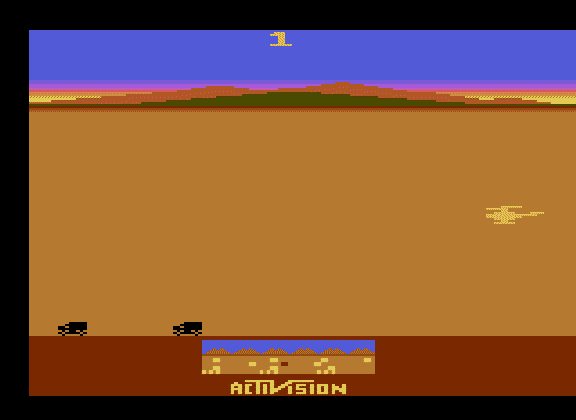
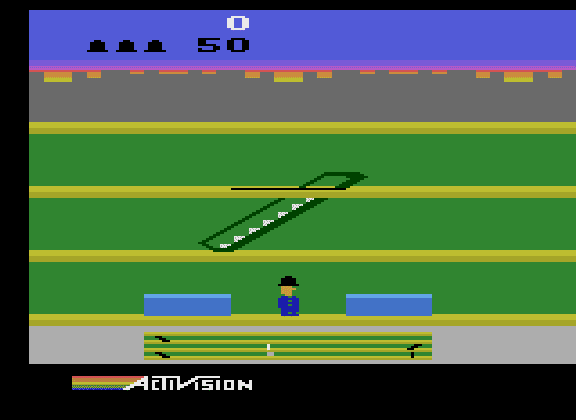
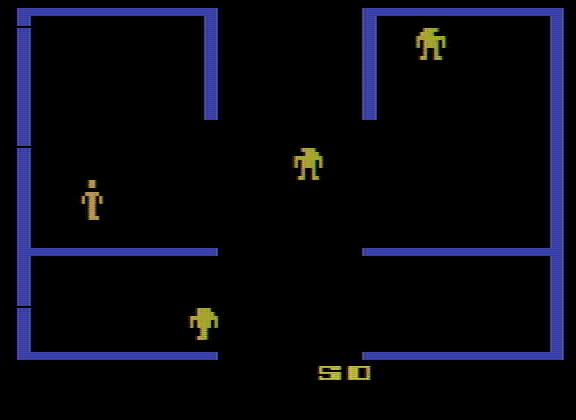
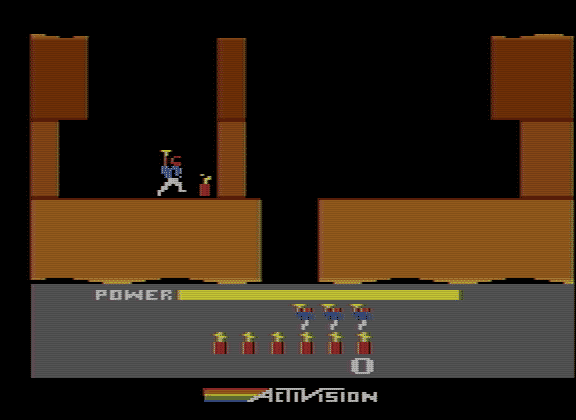
Stella is an open source Atari 2600 emulator. Bradford W. Mott created it in 1995 for Linux, and it was later ported to Windows, macOS and many other systems. Stephen Anthony has maintained it for many years, and it remains in active development.
Stella emulates the Atari 2600 very accurately, including the many cartridge bank-switching schemes used by commercial games and homebrew. It supports paddles, driving controllers, keyboards and other original accessories, along with TV effects that recreate the look of an old CRT.
Stella also includes a full debugger, which has made it the standard tool for people writing new Atari 2600 homebrew games. It is also available as a core for RetroArch.
Which download to pick
The buttons offer different Stella versions, so the newest one for your system is usually the right choice.
- for Windows (64-bit) is Stella 7.0, an installer for 64-bit Windows. Take this one on any modern PC. Windows may also need the Microsoft Visual C++ Redistributable installed.
- for Windows (32-bit) is Stella 6.7.1, for older 32-bit Windows only. The Stella website offers 7.0 for 64-bit Windows only.
- for Mac OS X is Stella 7.0 for macOS, which runs on both Apple Silicon and Intel Macs.
- for Ubuntu (64-bit) is Stella 7.0 as a
.debpackage built for Ubuntu 22.04, for Ubuntu and similar distributions. - for Linux (64-bit) is an older 6.5.3
.rpmpackage, for Fedora, openSUSE and other RPM-based distributions. - for Linux (32-bit) and for Ubuntu (32-Bit) are Stella 6.0.2, for old 32-bit systems.
System requirements
Stella 7.0 needs Windows 7, 8, 10 or 11, macOS 10.11 or later, or a 64-bit Linux system. The Stella team asks for enough memory for the operating system plus 256 MB for the emulator, with 512 MB or more recommended. A joystick or gamepad is recommended, and paddle games need a mouse or real paddles connected through a Stelladaptor or 2600-daptor.
Getting started
The Atari 2600 has no BIOS, so Stella needs no firmware. It opens in its ROM Launcher; browse to your game files (.a26, .bin, .rom or .zip) and double-click one to start. Stella remembers the folder of the first game you open.
- Joystick: arrow keys, with Left Ctrl or Space to fire.
- F1 is Select and F2 is Reset. Some games need Reset pressed before they start.
- Tab opens the options, Escape returns to the launcher, and the backquote key opens the debugger.
Keys and gamepad buttons can be remapped in the options.