The Elder Scrolls II: Daggerfall
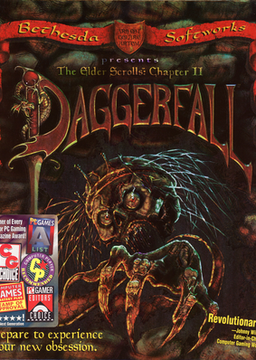
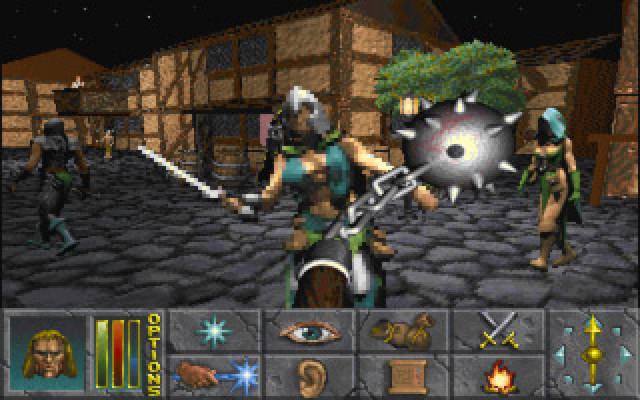
Daggerfall sends you to the Iliac Bay on a mission from the Emperor, into one of the largest game worlds ever made: thousands of towns and dungeons, factions to join and a story with several endings.
Bethesda released it as freeware in 2009. Most players today run its data with Daggerfall Unity, but it also installs and runs in DOSBox.
How to set it up
- Install DOSBox Staging or another DOS emulator.
- Unzip the download into a folder of its own.
- Start DOSBox Staging and type
mount c "<folder>\DFInstall", thenmount d "<folder>\DFInstall\DFCD" -t cdrom, where<folder>is where you unzipped the download. - Type
d:, thenINSTALL.EXE, and install the game toC:\DAGGER. - Type
c:, thencd dagger, thenDAG213.EXEto apply the final patch. - Type
DAGGER.EXEto play. Keep thed:mount whenever you play, because the game reads from the CD.