Venomalia's F-Zero GX Texture Pack
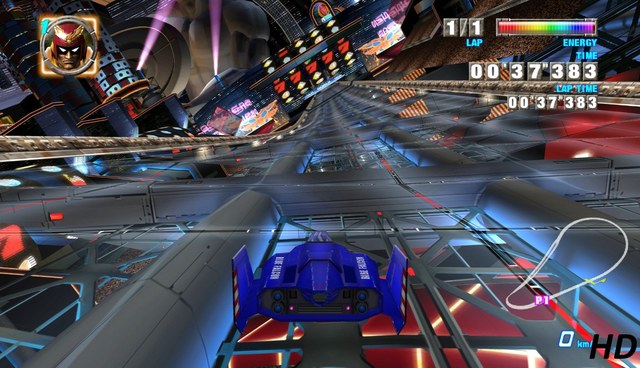
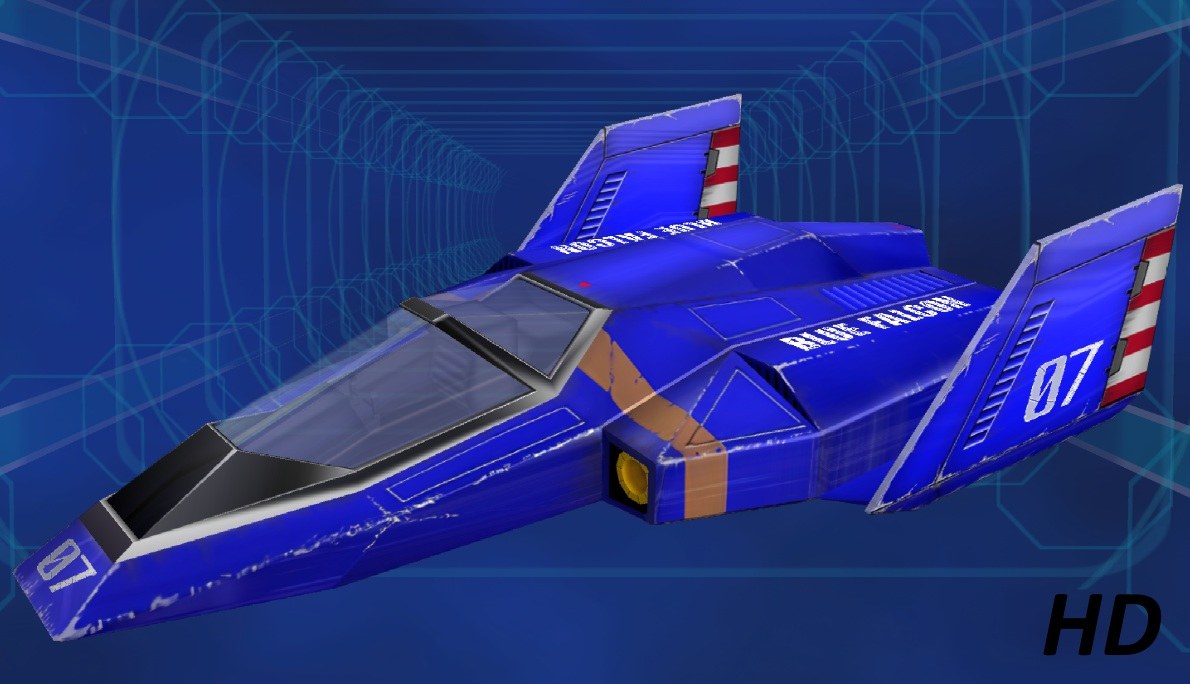
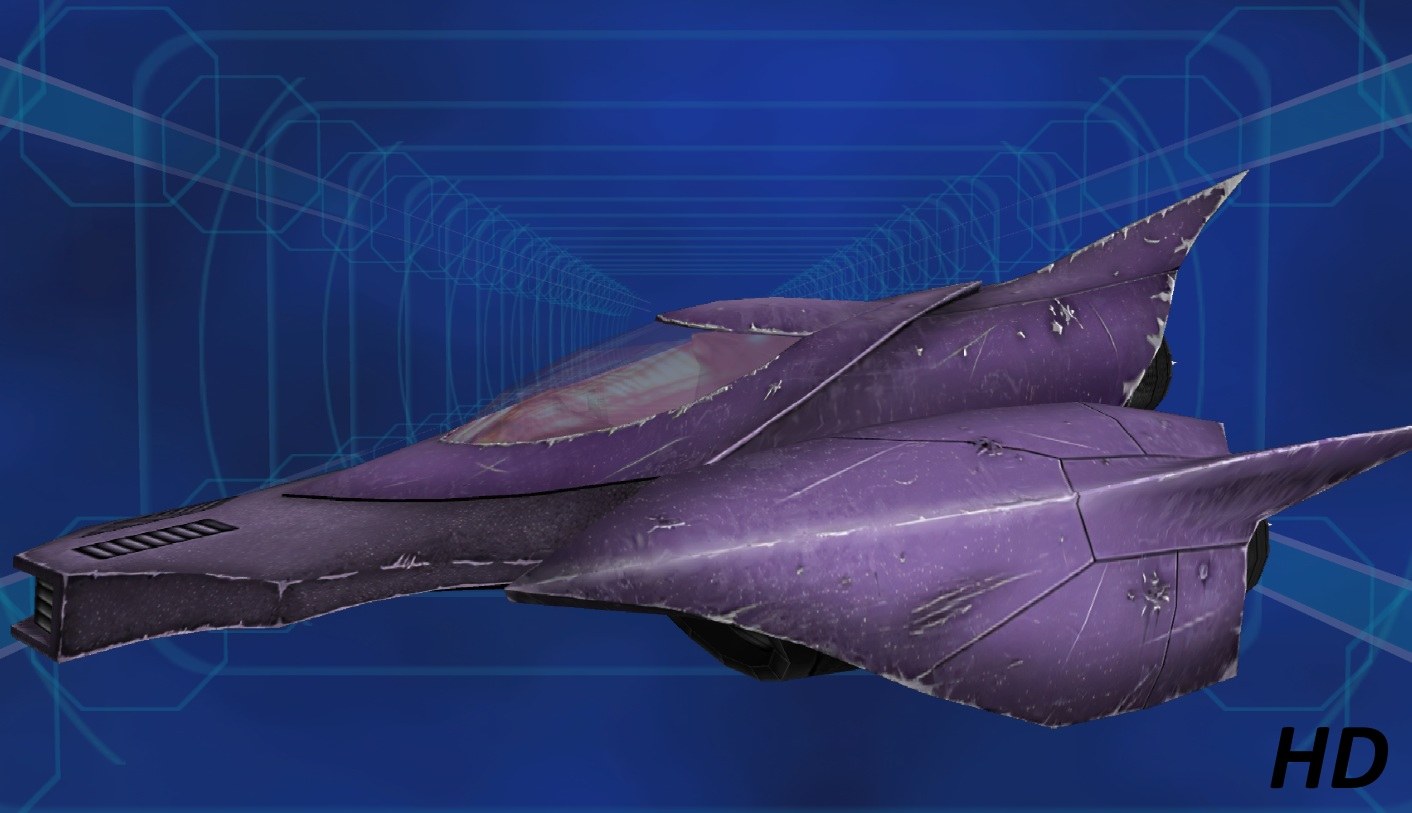
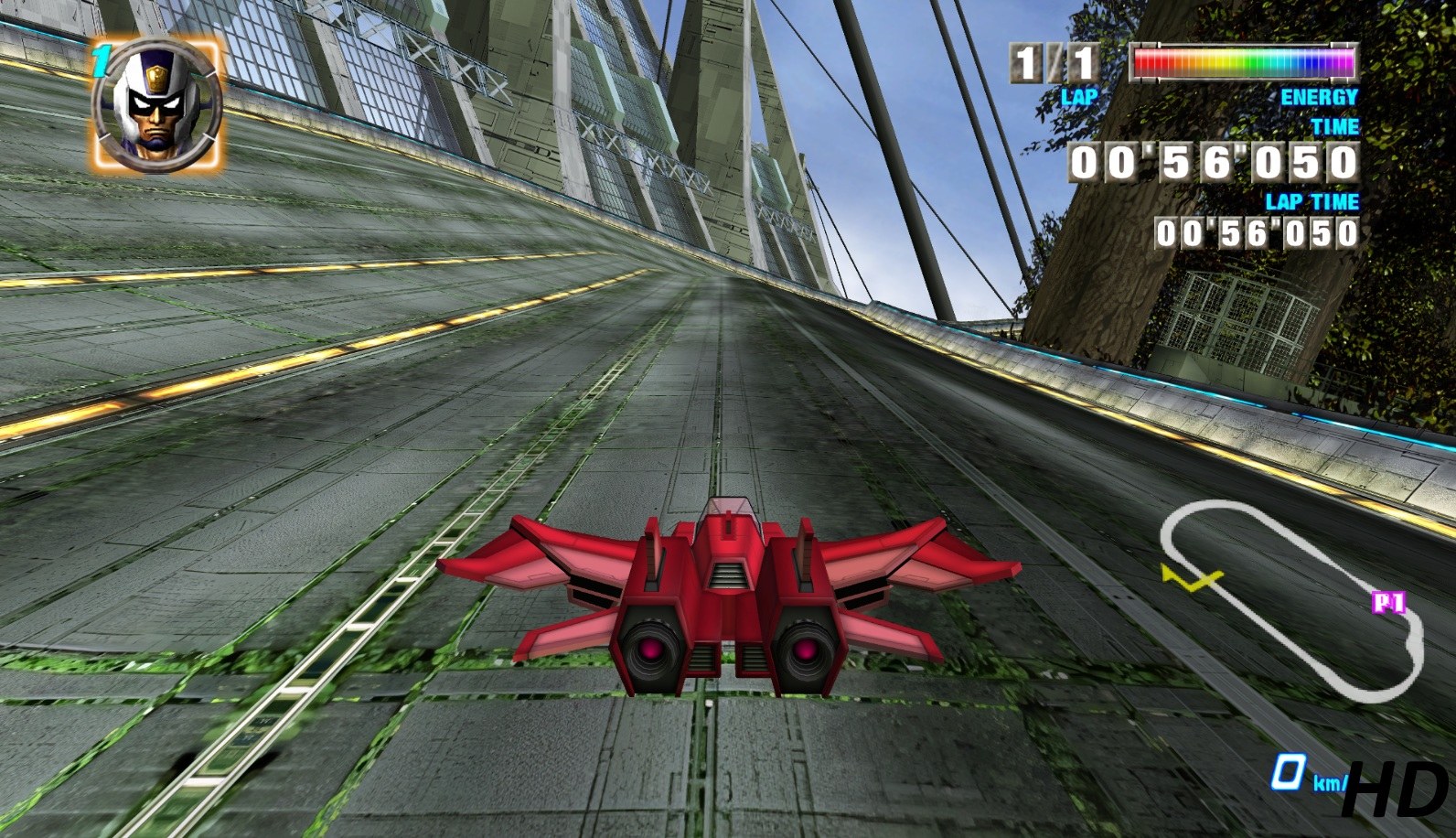
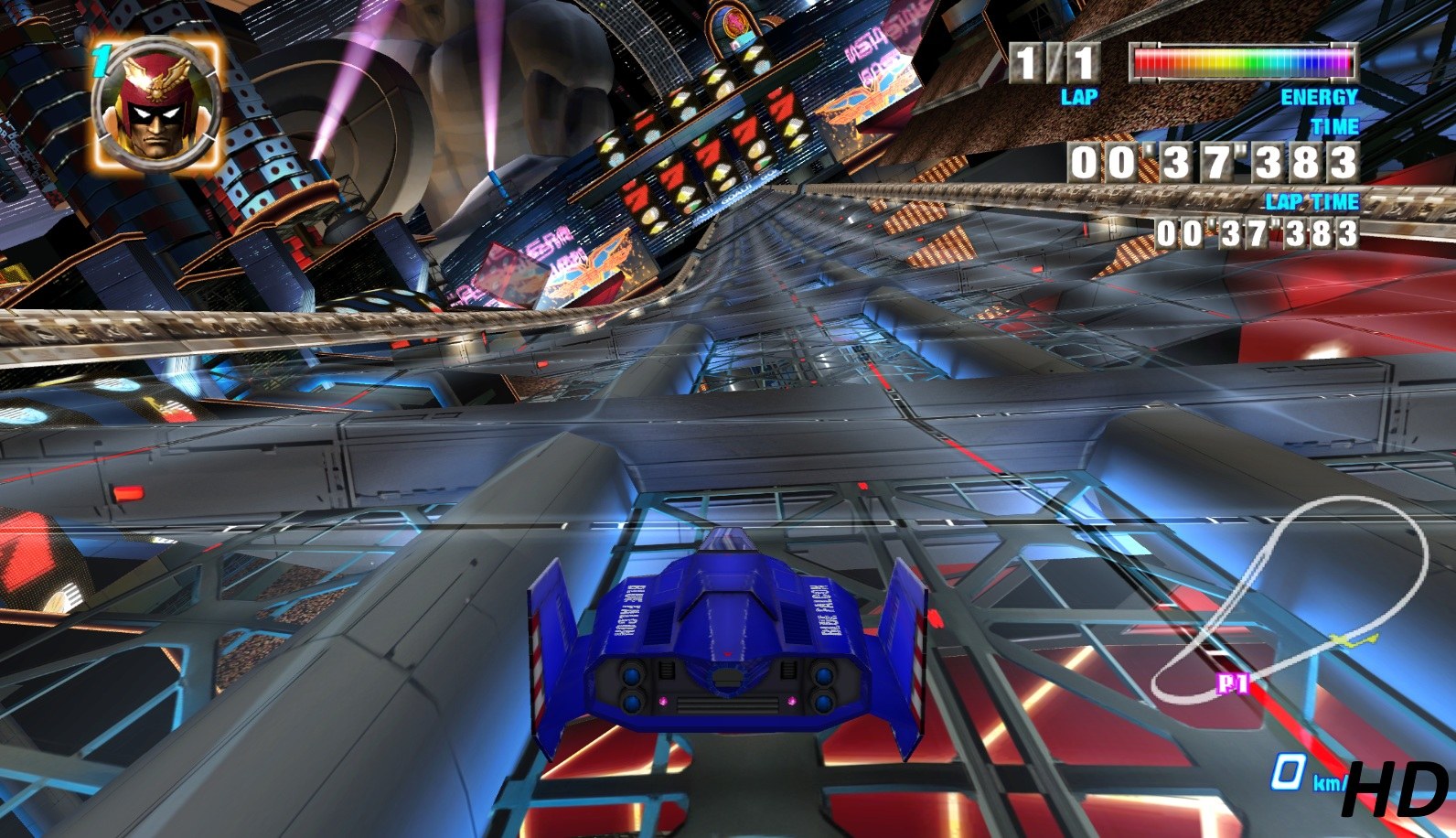
F-Zero GX still looks good, but some of its textures turn soft on a large screen. Venomalia’s pack reworks the whole UI, the machines and many course elements: each texture was decompressed, denoised and upscaled with AI help, then adjusted by hand.
Every version of the game is supported, and the textures are in DDS-BC7 format.
Original release: Venomalia’s thread.
How to set it up
- In Dolphin, open File > Open User Folder, then go into
Load/Textures/. - Extract the download there, so you end up with a
Load/Textures/GFZ/folder. - Open Graphics > Advanced and tick Load Custom Textures. Ticking Prefetch Custom Textures too stops stutter, if you have the RAM for it.