Naruto: Gekitou Ninja Taisen! 4 HD Texture Pack and Translation
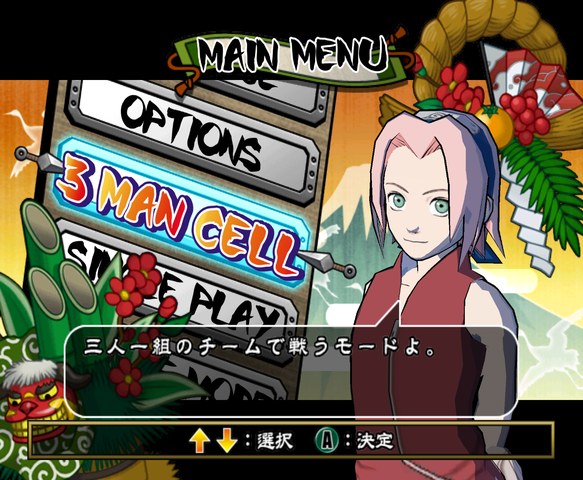
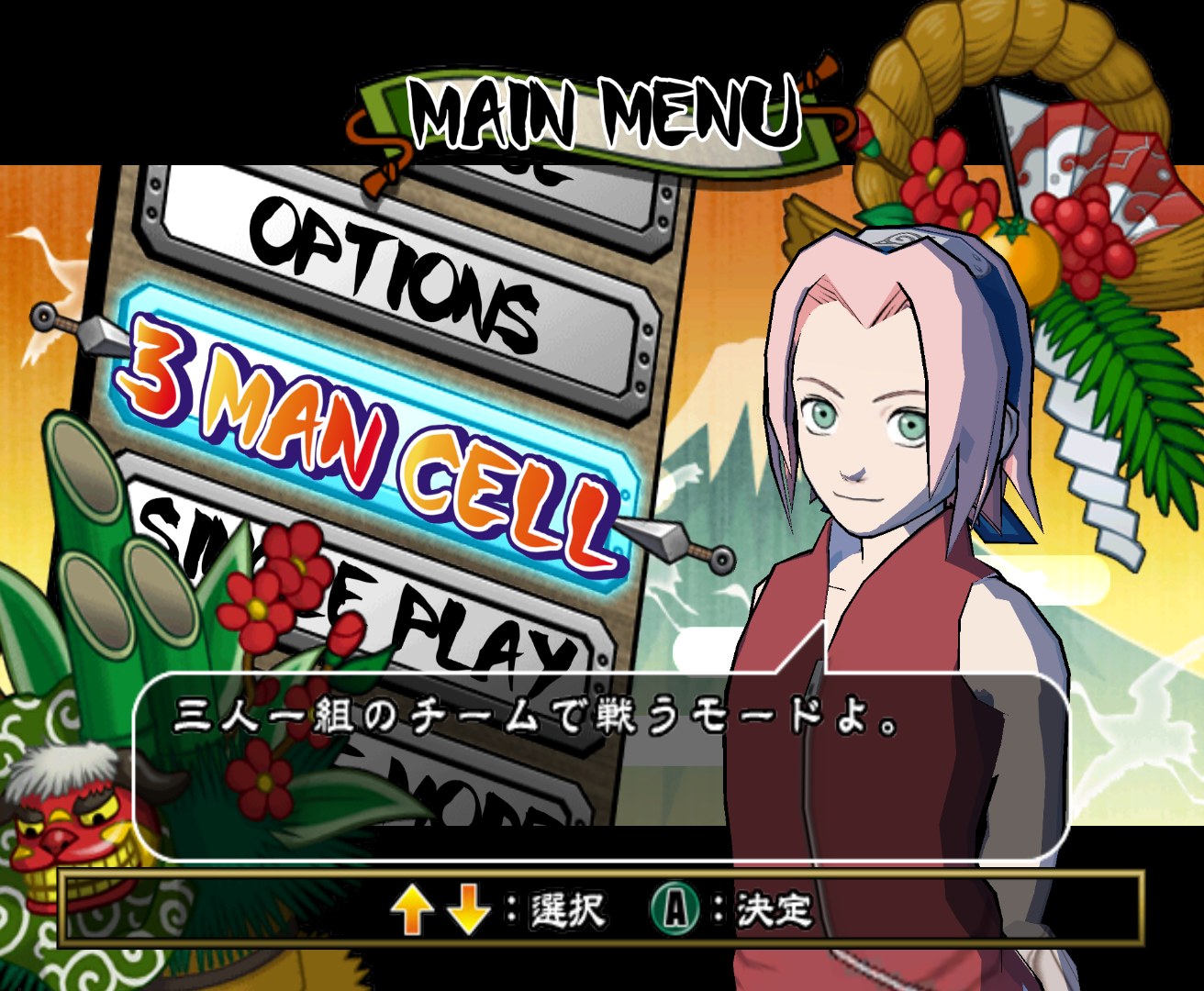
Chris Margroff’s project aims to give the Japanese fighting game Naruto: Gekitou Ninja Taisen! 4 sharper interface art and translated menus. Most of the work is done by hand in Illustrator and Photoshop, with AI upscaling kept for things like menu portraits and character textures.
The pack is at an early stage and covers only a small part of the game. The plans include UI textures aimed at 4K, fully translated menus and higher resolution character textures, possibly AI upscaled. Progress has been slow and irregular.
How to set it up
- In Dolphin, open File > Open User Folder, then go into
Load/Textures/. - Extract the download there, so you end up with a
Load/Textures/G4N/folder. - Open Graphics > Advanced and tick Load Custom Textures. Ticking Prefetch Custom Textures too stops stutter, if you have the RAM for it.