General_Han_Solo's Star Wars Jedi Knight II: Jedi Outcast Texture Pack
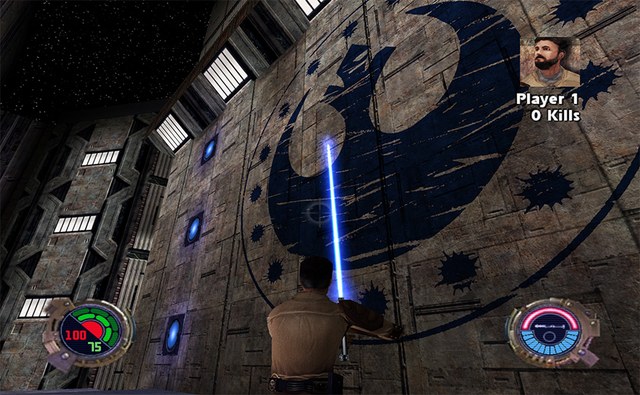
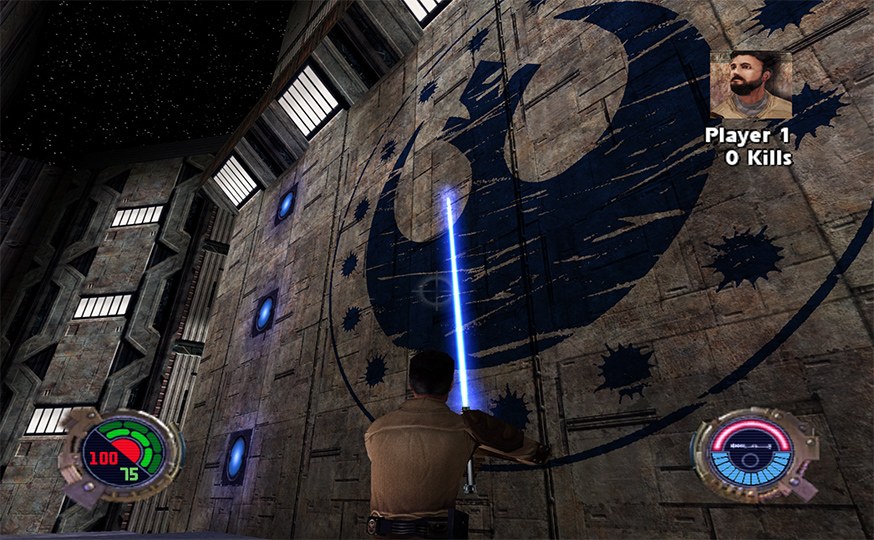
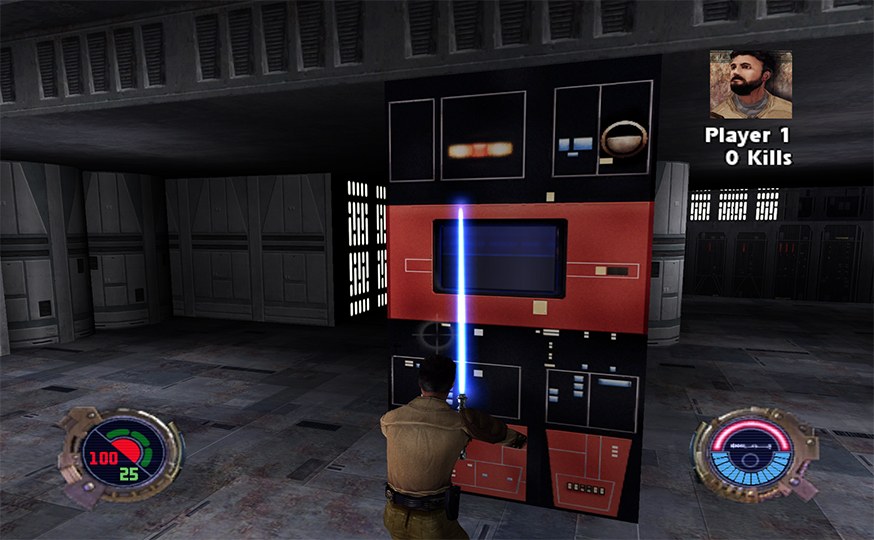
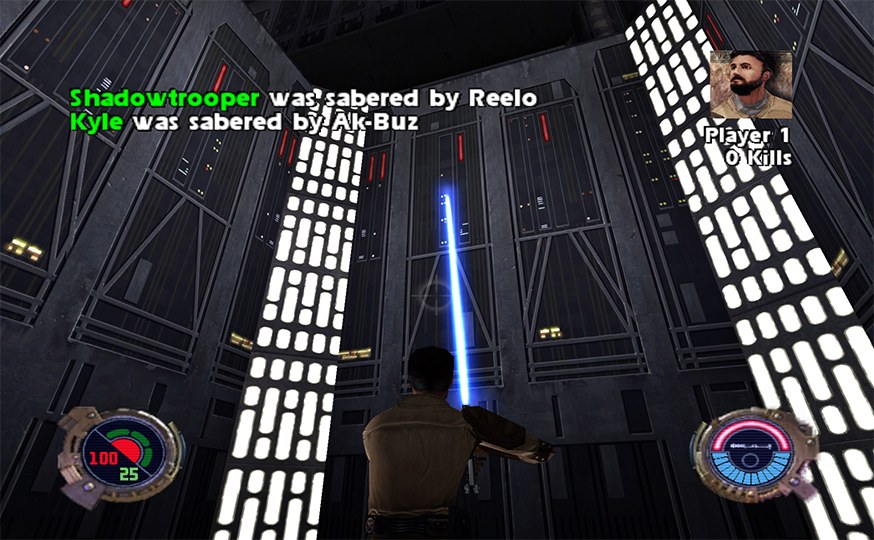
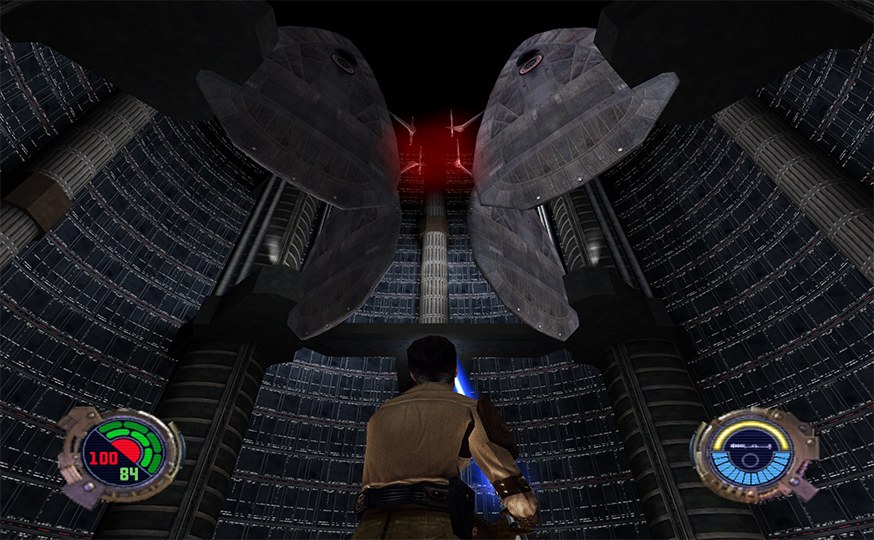
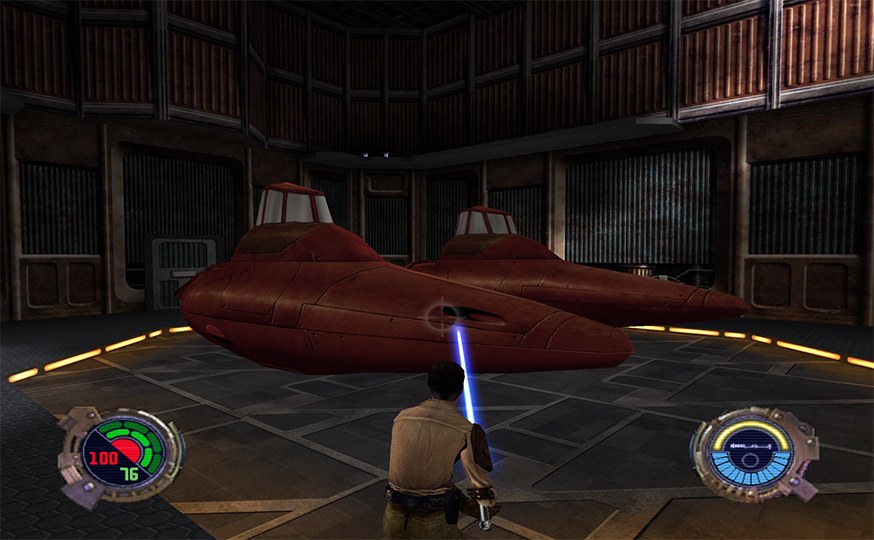
General_Han_Solo’s HD texture pack for Star Wars Jedi Knight II: Jedi Outcast, made for Vicarious Visions’ GameCube port. It is labelled for the North American release (GJKE52).
How to set it up
- In Dolphin, open File > Open User Folder, then go into
Load/Textures/. - Extract the download there, so you end up with a
Load/Textures/GJK/folder. - Open Graphics > Advanced and tick Load Custom Textures. Ticking Prefetch Custom Textures too stops stutter, if you have the RAM for it.