BooLean's Paper Mario HD Texture Pack (Wii Virtual Console)
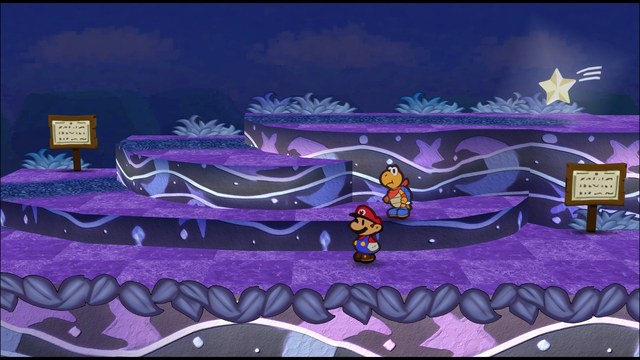
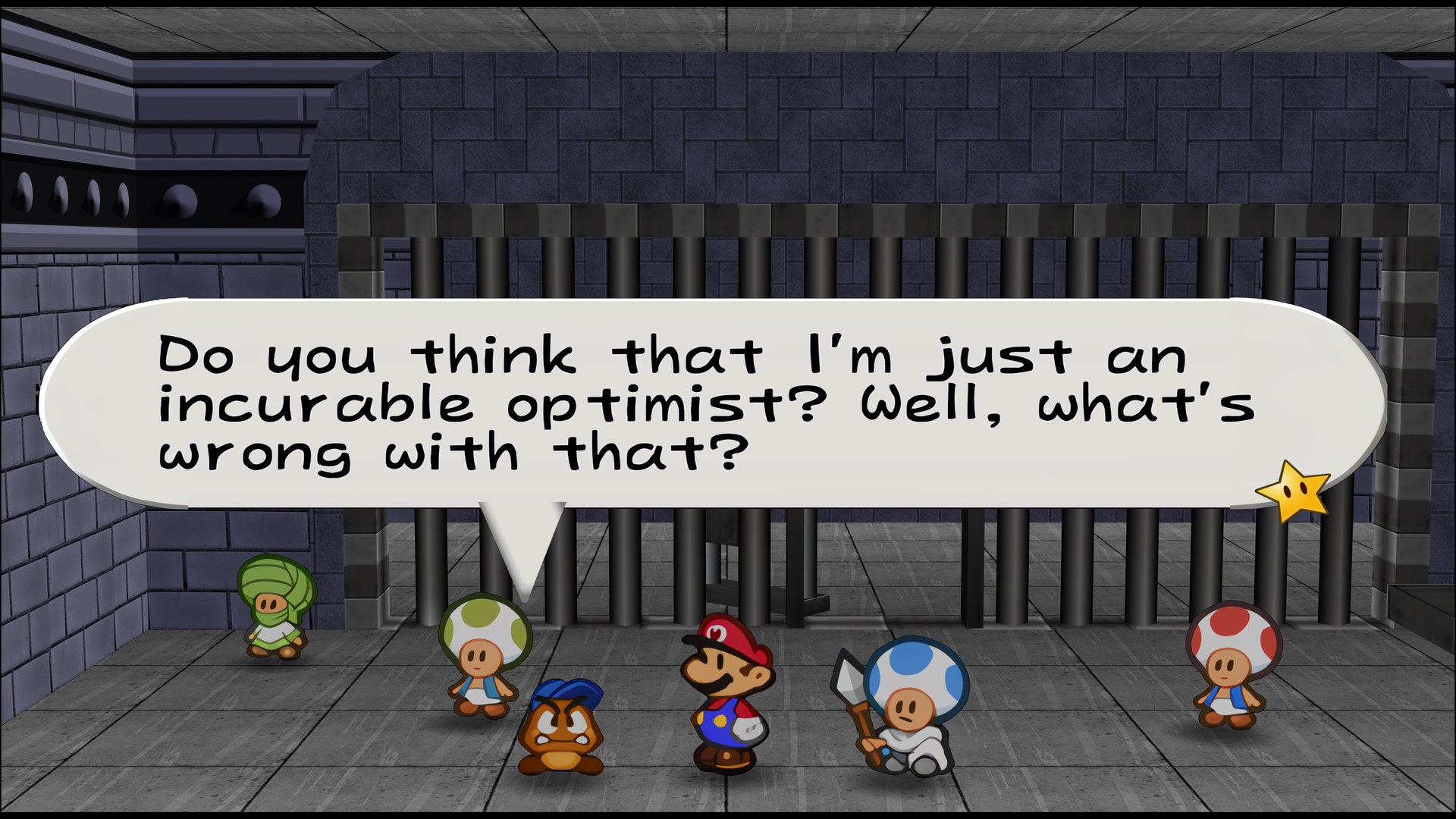
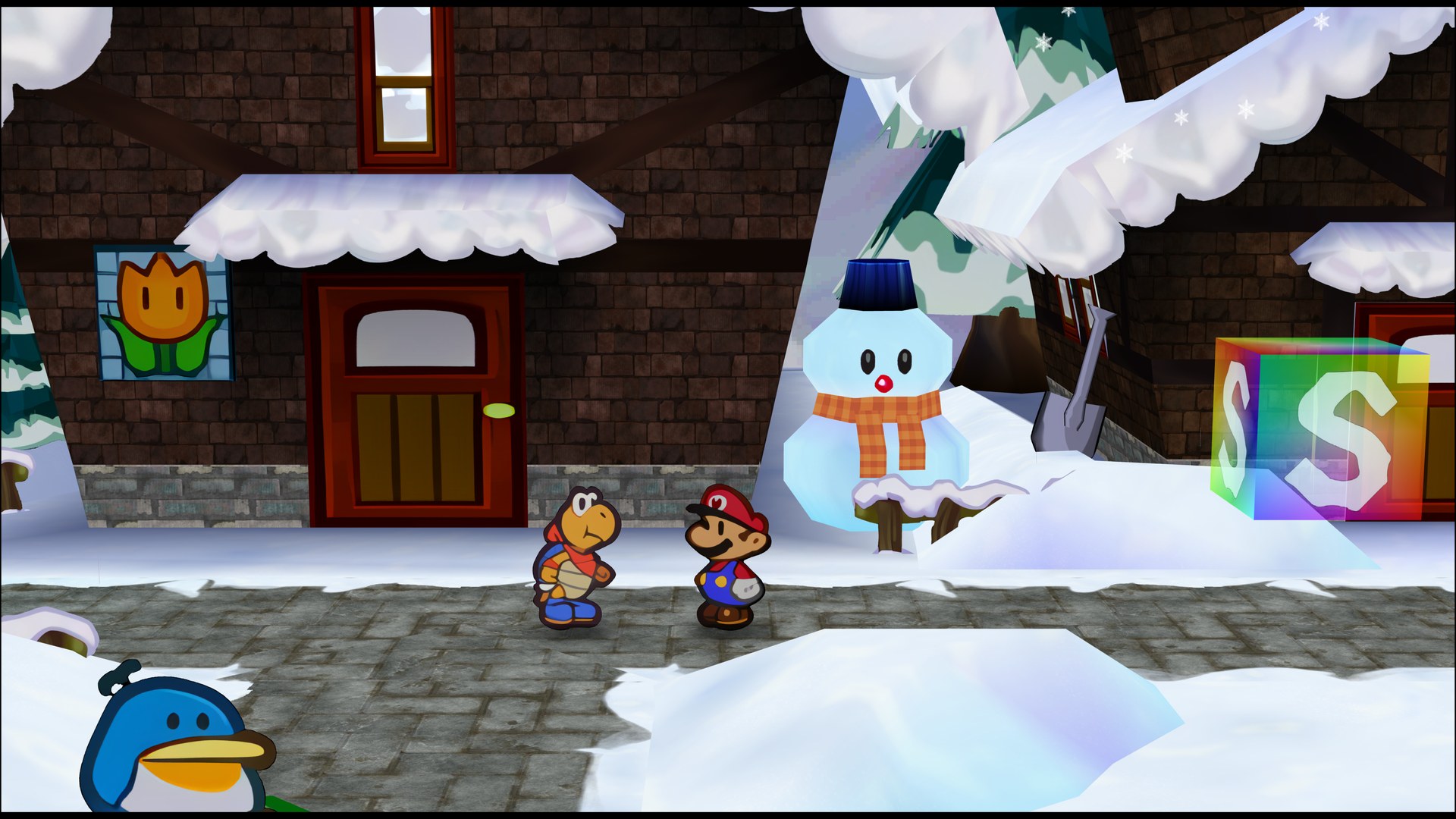
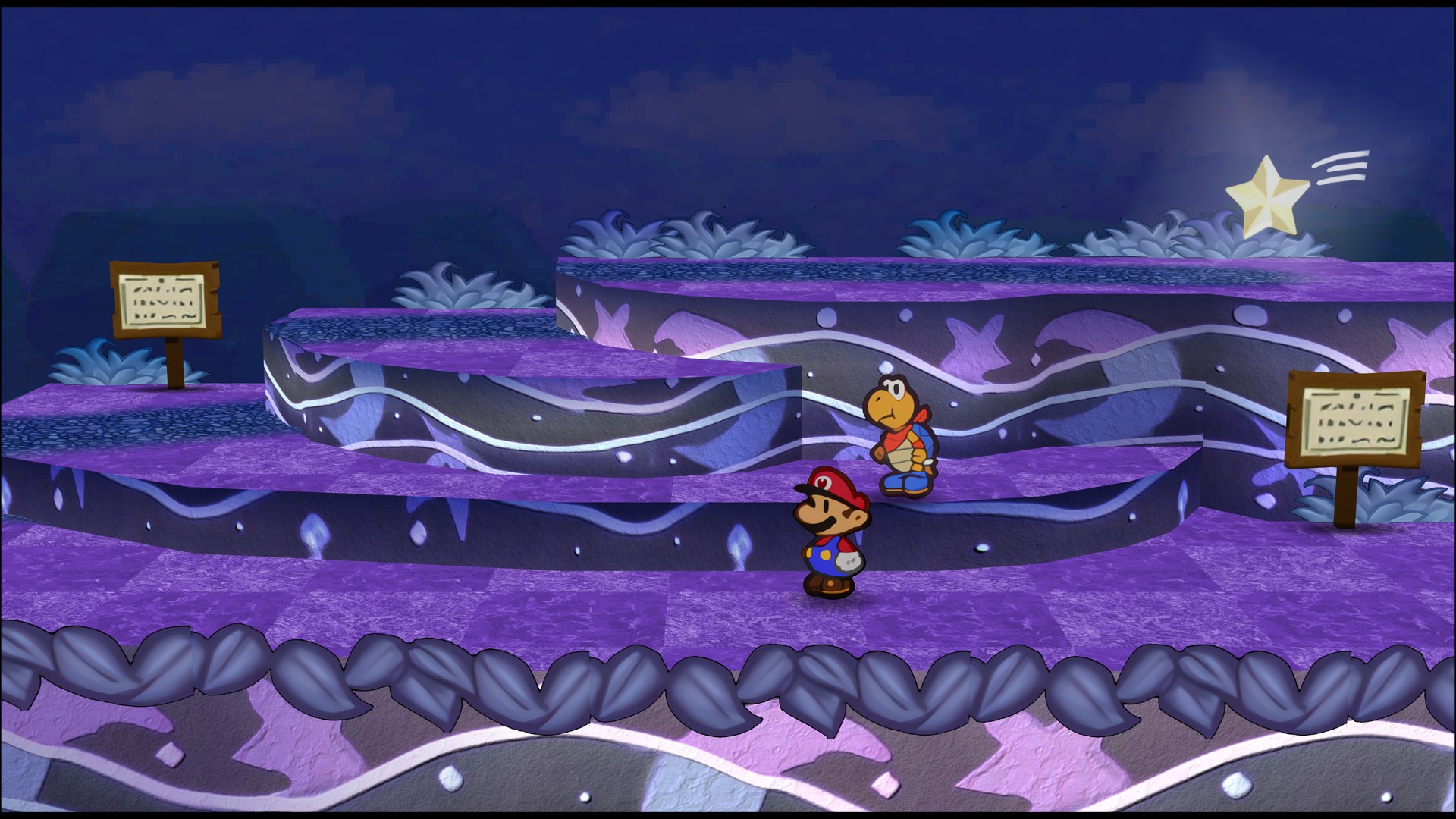
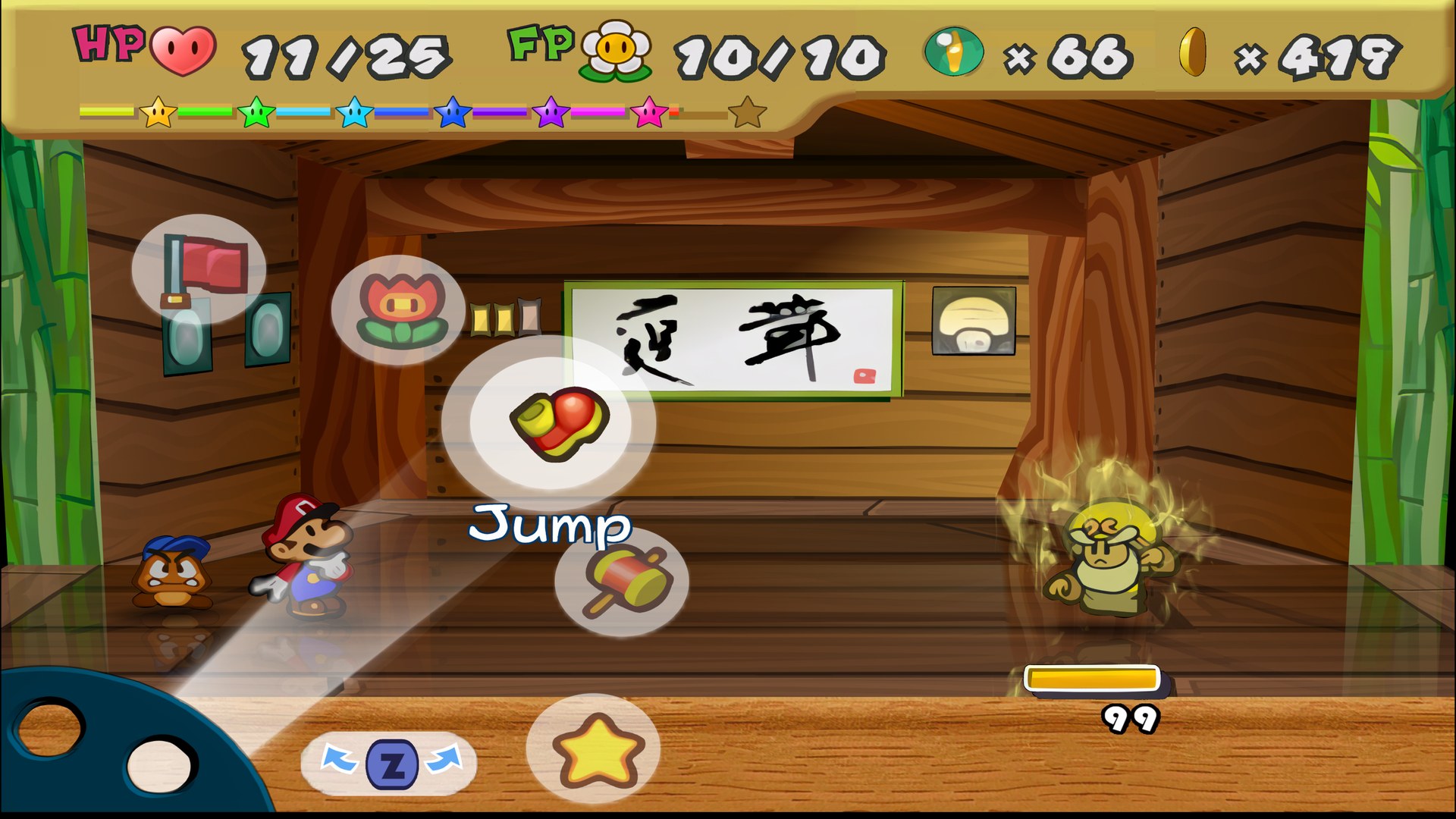
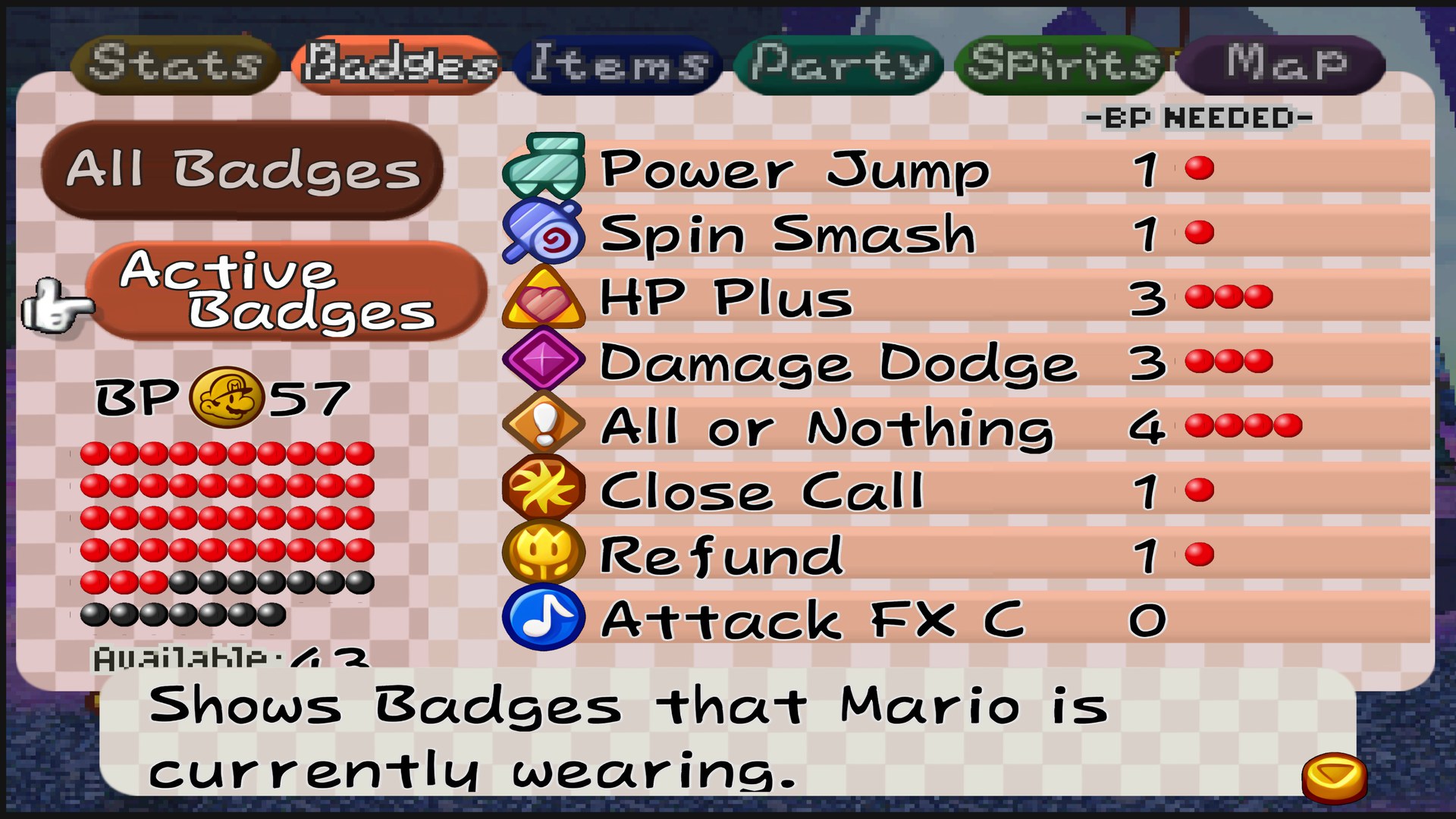
What you need: Dolphin and the Wii Virtual Console release of Paper Mario. It does not work with N64 emulators.
BooLean’s pack replaces Paper Mario’s aged textures with HD versions, built for the Wii Virtual Console release running in Dolphin. It covers the game from start to finish.
It isn’t perfect, but it is mostly complete, and it stays fairly close to the game’s original art style. This is version 1.2.
How to set it up
- In Dolphin, open File > Open User Folder, then go into
Load/Textures/. - Extract the download there, so you end up with a
Load/Textures/NAE/folder. - Open Graphics > Advanced and tick Load Custom Textures. Ticking Prefetch Custom Textures too stops stutter, if you have the RAM for it.