FCEUX

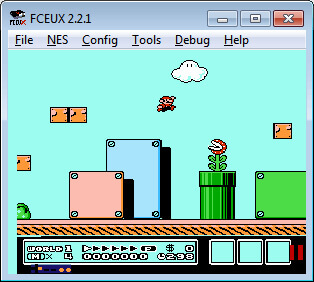
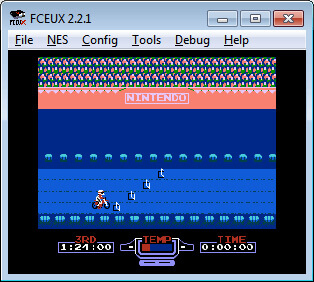
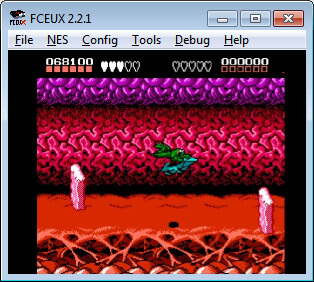
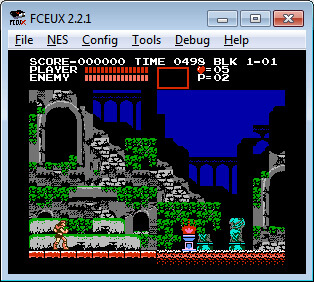
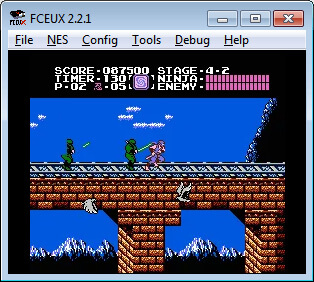
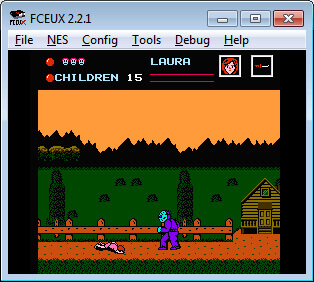
FCEUX is an NES emulator that continues the FCE Ultra (FCEU) line of emulators, itself descended from the original FCE.
It aims to be an all-in-one NES emulator, with accurate emulation and simple options for casual players alongside advanced features for experienced users.
Those features include tools for debugging, ROM hacking and map making, tool-assisted movie recording and Lua scripting.
Which download to pick
- for Windows is FCEUX 2.2.3, the classic Win32 build. It is a zip file with no installer: extract it to its own folder and run
fceux.exe. The folder also holds the help file (fceux.chm), the TAS Editor help, colour palettes and example Lua scripts. - Source Code is the 2.2.3 source, for people who want to compile FCEUX themselves.
FCEUX 2.2.3 is an older release. The FCEUX team has since released the 2.6 series, which also comes as a cross-platform Qt/SDL port that runs on Linux and macOS as well as Windows.
Getting started
- Open a game with File > Open (Ctrl+O). FCEUX plays NES cartridge games and Famicom Disk System (FDS) games.
- Set up your keyboard or gamepad under Config > Input. Each of the two ports can be set to a gamepad, Zapper, Power Pad or paddle, and a Four Score option adds two more players.
- Save states use Shift+F1 to F10 to save and F1 to F10 to load.
Cartridge games need nothing else. FDS games need the Famicom Disk System BIOS, which must be dumped from your own hardware, named disksys.rom and placed in the FCEUX folder (or in the folder set under Directory Overrides). FCEUX will not load FDS games without it.
Net play does not work in current FCEUX builds, and the developers have said there are no plans to fix it.