Dangerism's Muramasa: The Demon Blade Texture Pack
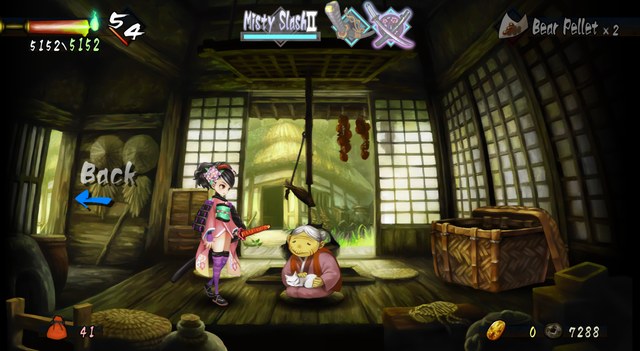
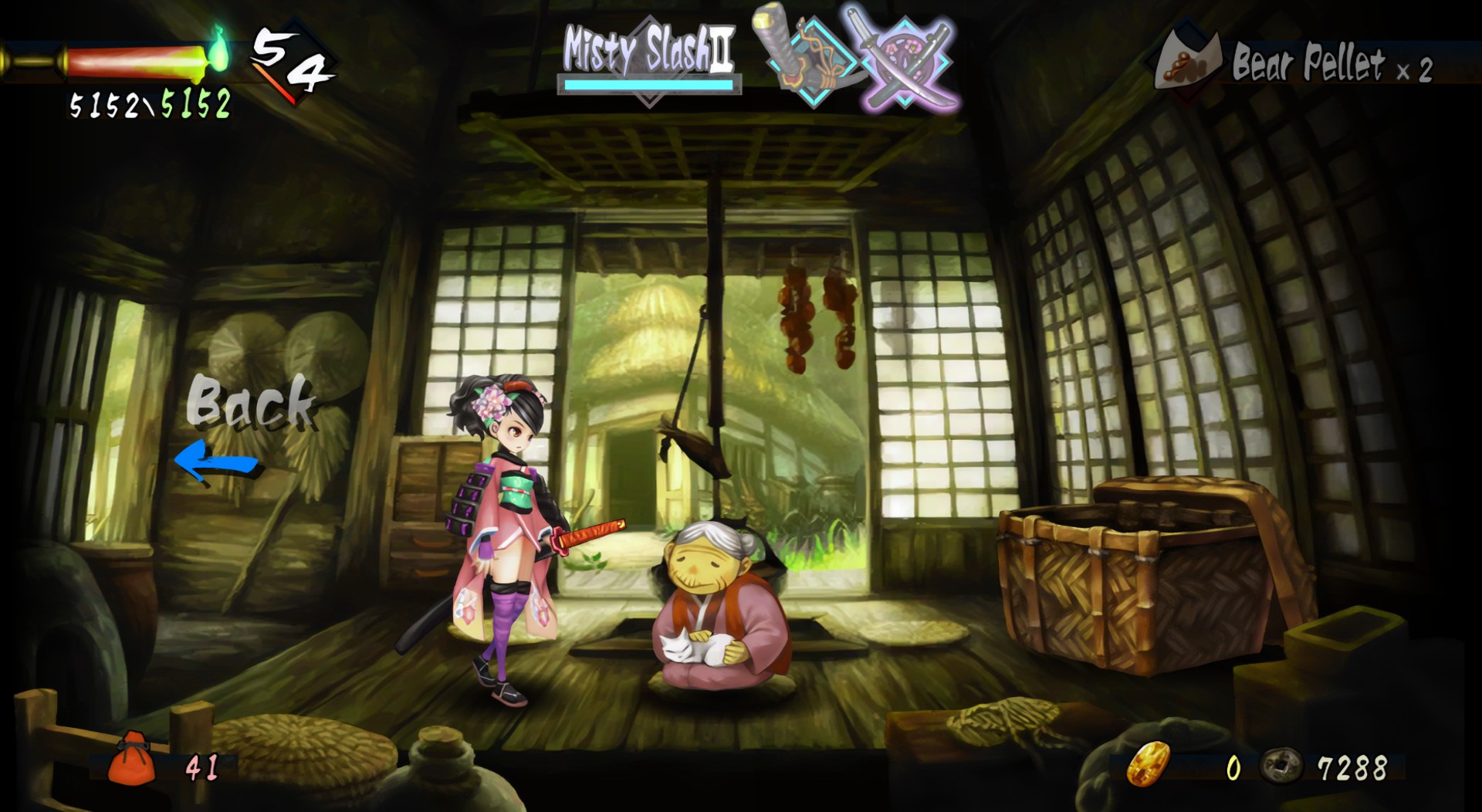
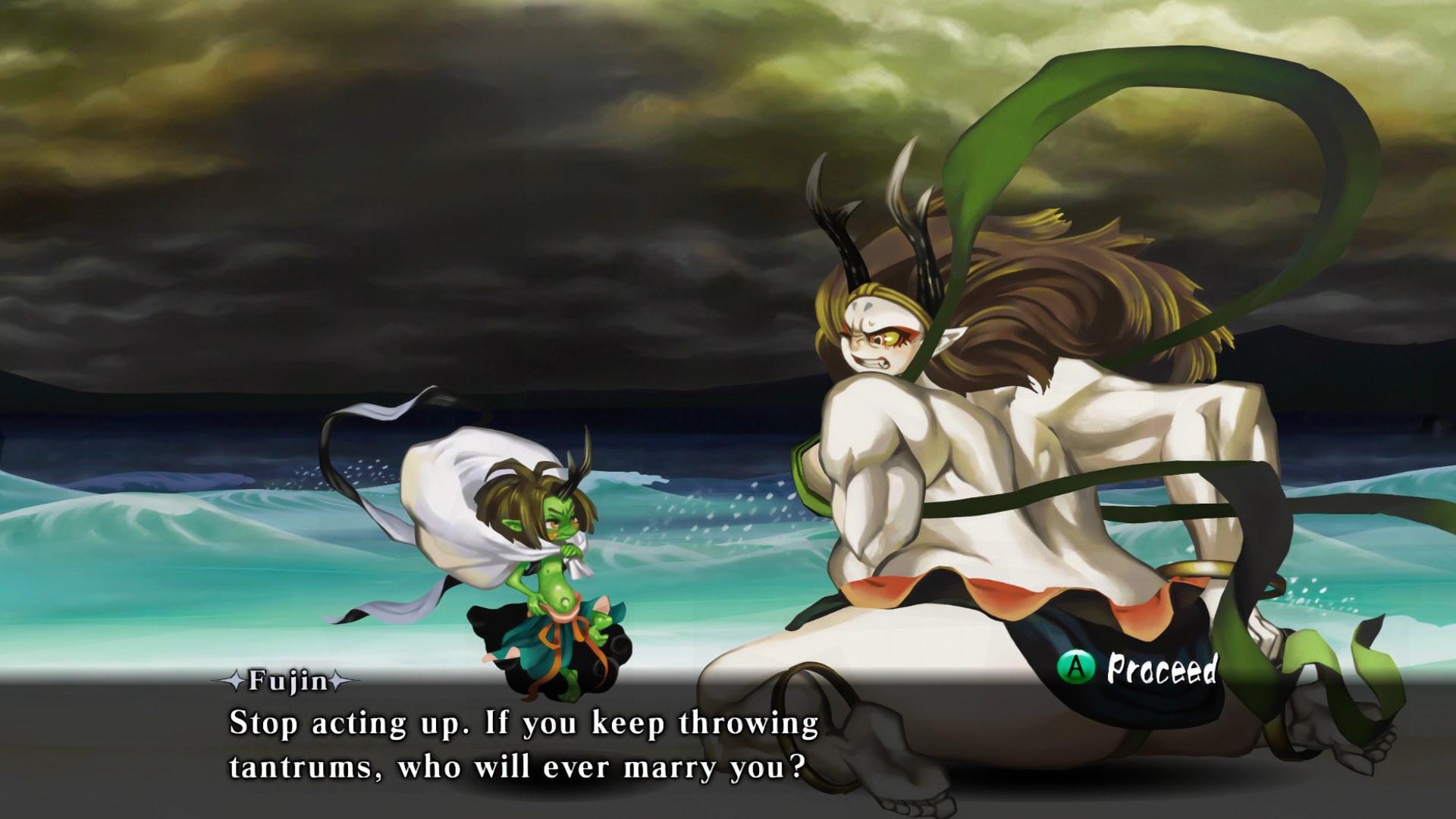
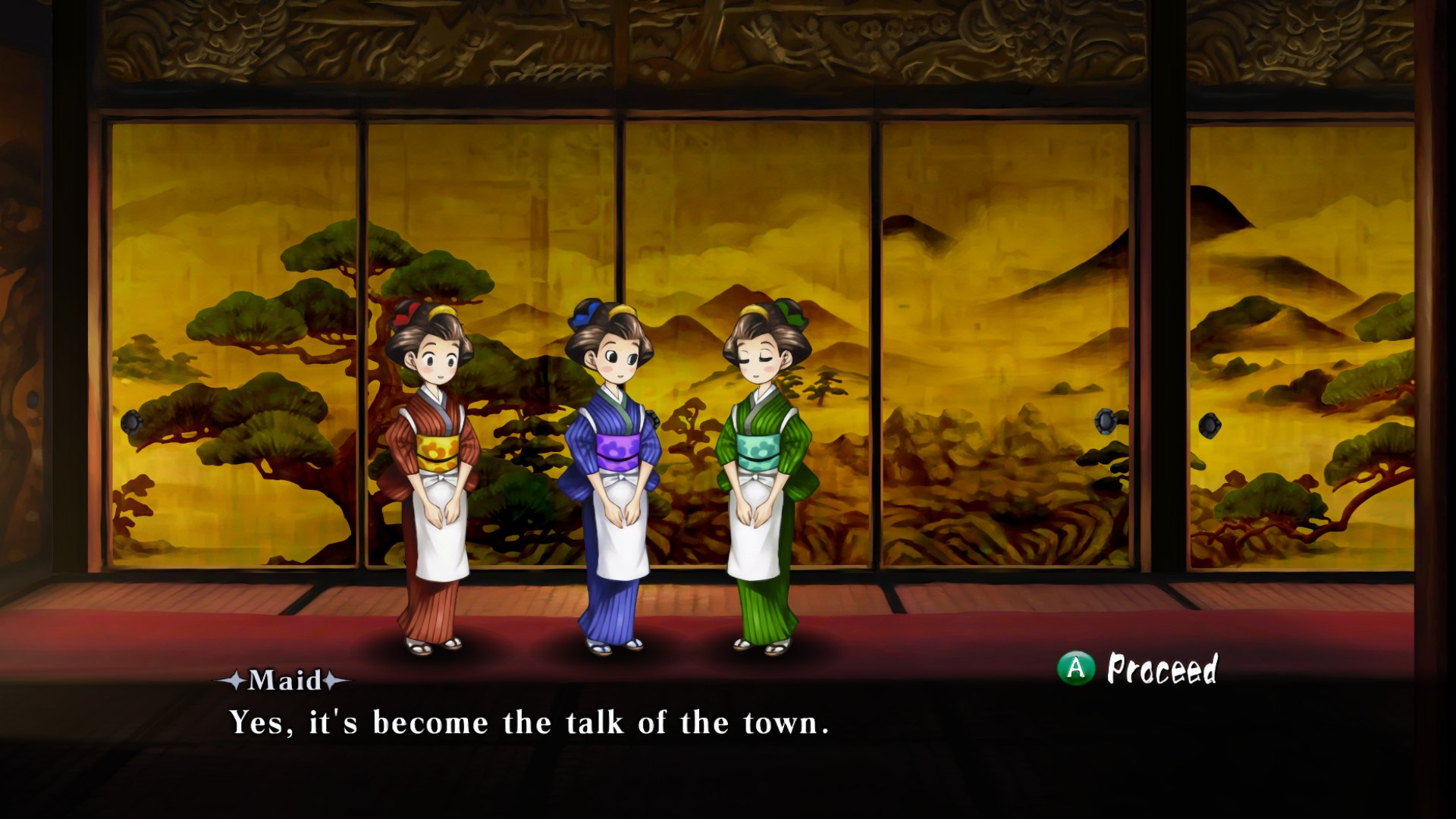
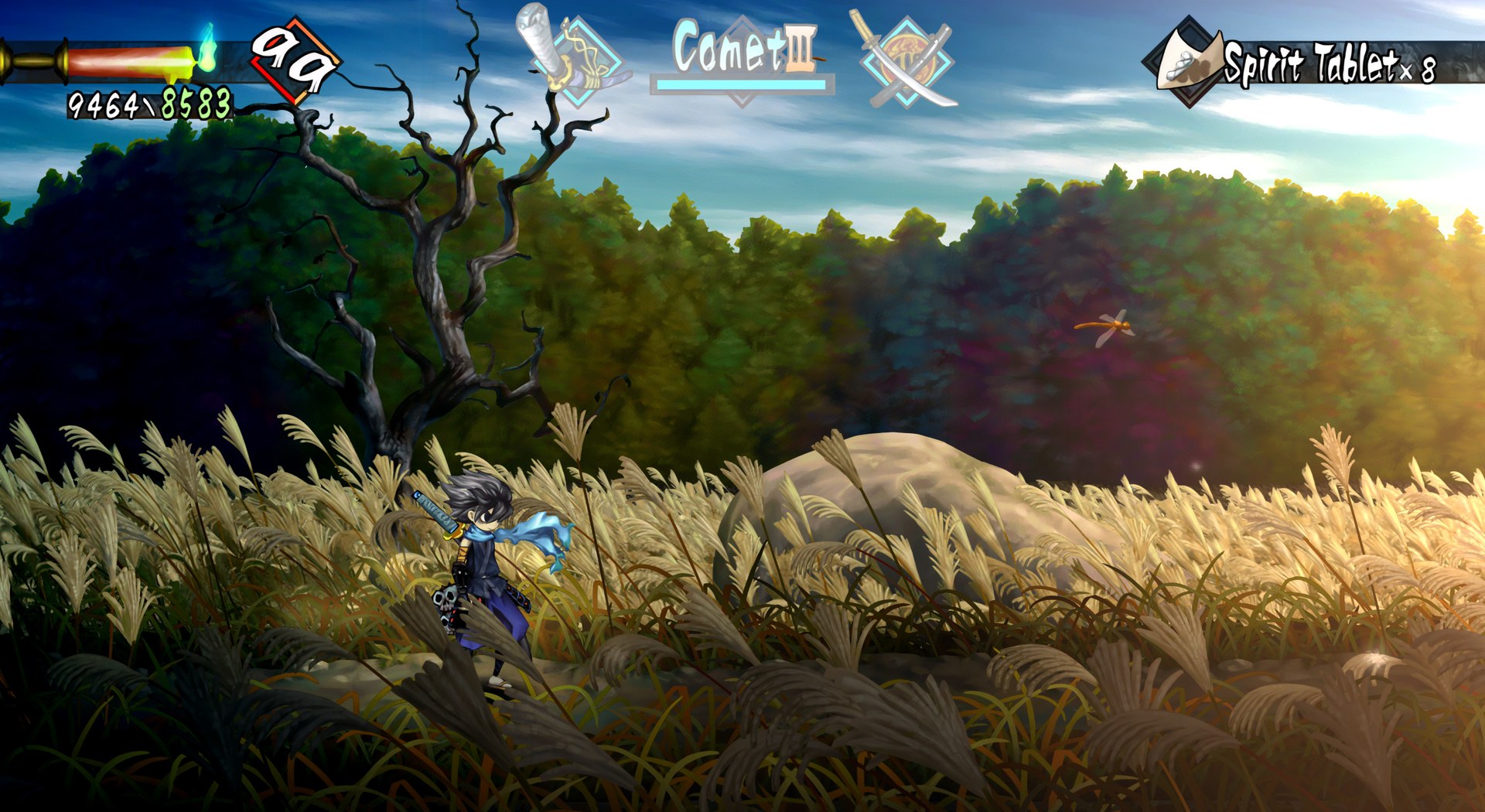
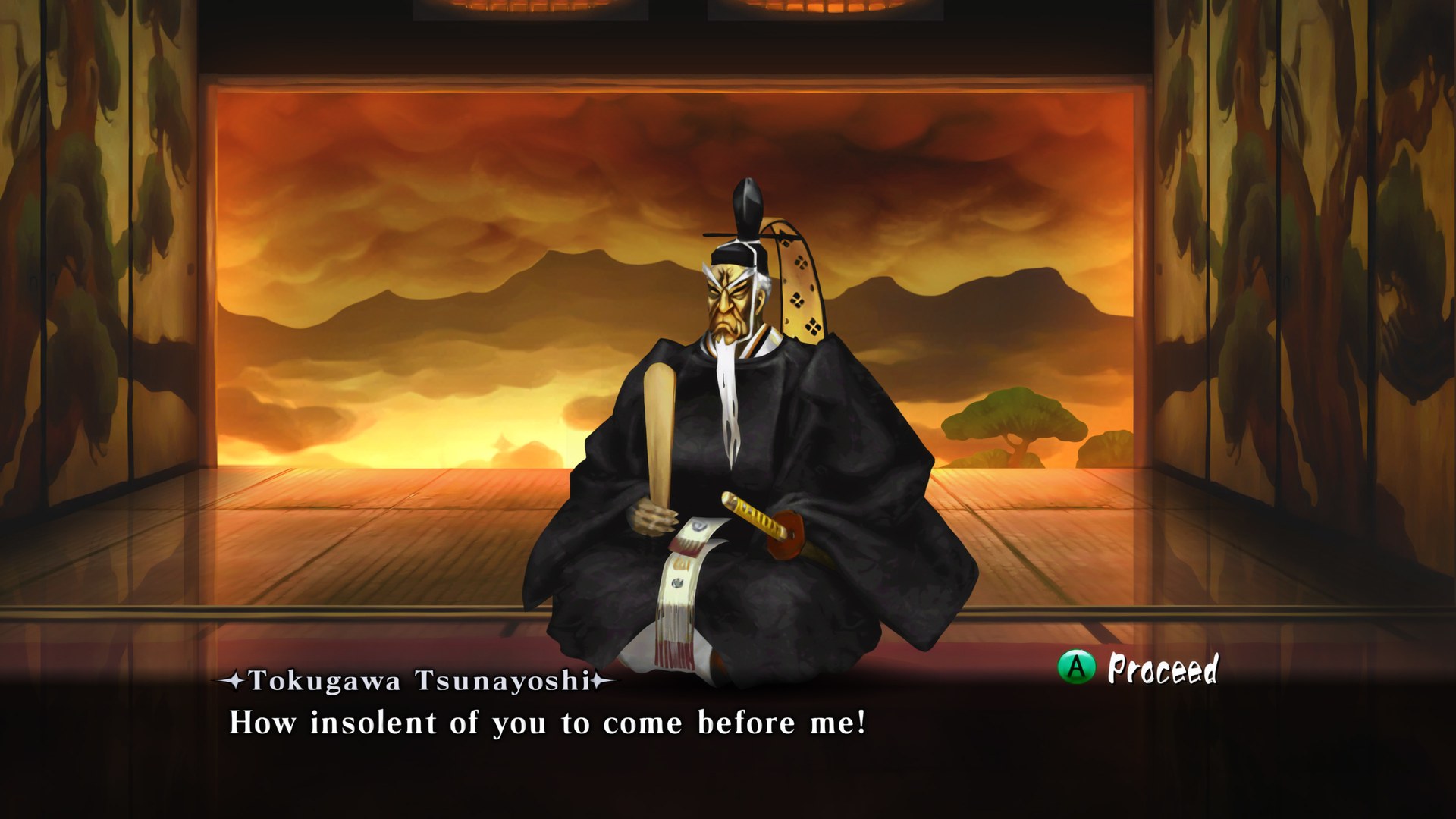
Dangerism put every texture in Muramasa: The Demon Blade through ESRGAN at four times the original size, stripping out the noise and dithering along the way. Vanillaware’s hand-painted art comes out clean and sharp, and the pack is aimed squarely at 4K displays.
Later updates switched to a new upscaling model with crisper detail and stronger contrast, and the most recent one adds a model trained just for the sprites of the two leads, Momohime and Kisuke. These later versions keep an unblended look that differs from the softer first release, so players who preferred the original style may find the change less to their taste.
How to set it up
- In Dolphin, open File > Open User Folder, then go into
Load/Textures/. - Extract the download there, so you end up with a
Load/Textures/RSF/folder. - Open Graphics > Advanced and tick Load Custom Textures. Ticking Prefetch Custom Textures too stops stutter, if you have the RAM for it.