kevlahnota and Nerrel's Muramasa: The Demon Blade Texture Pack
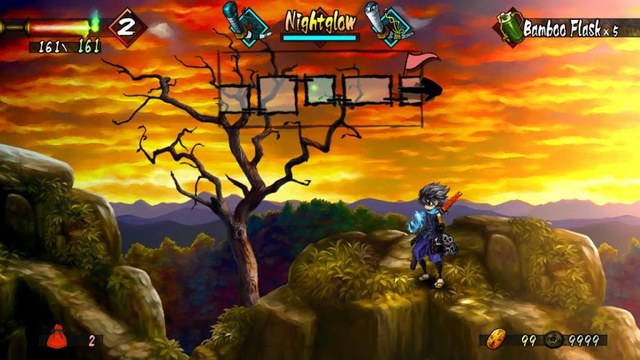
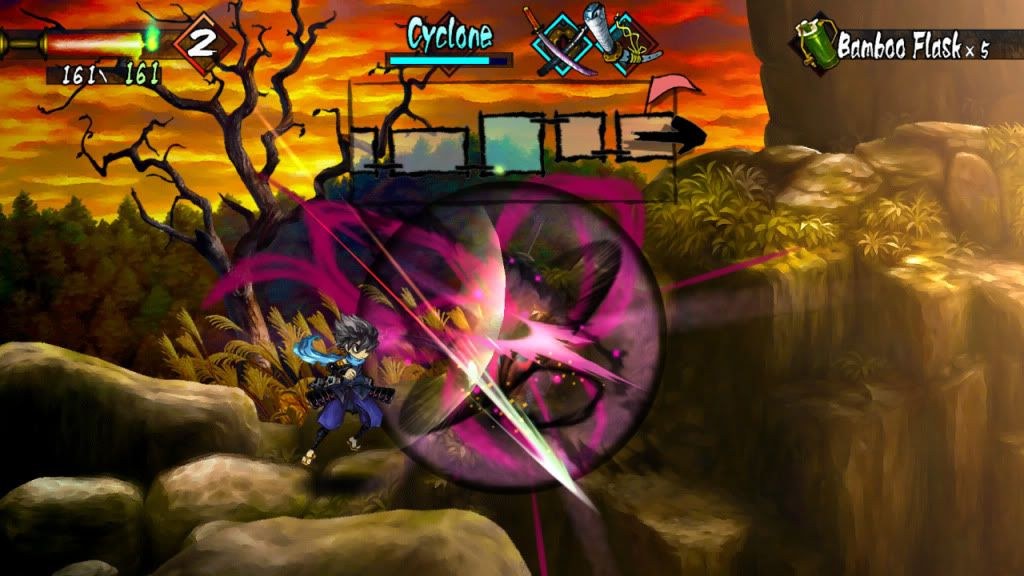
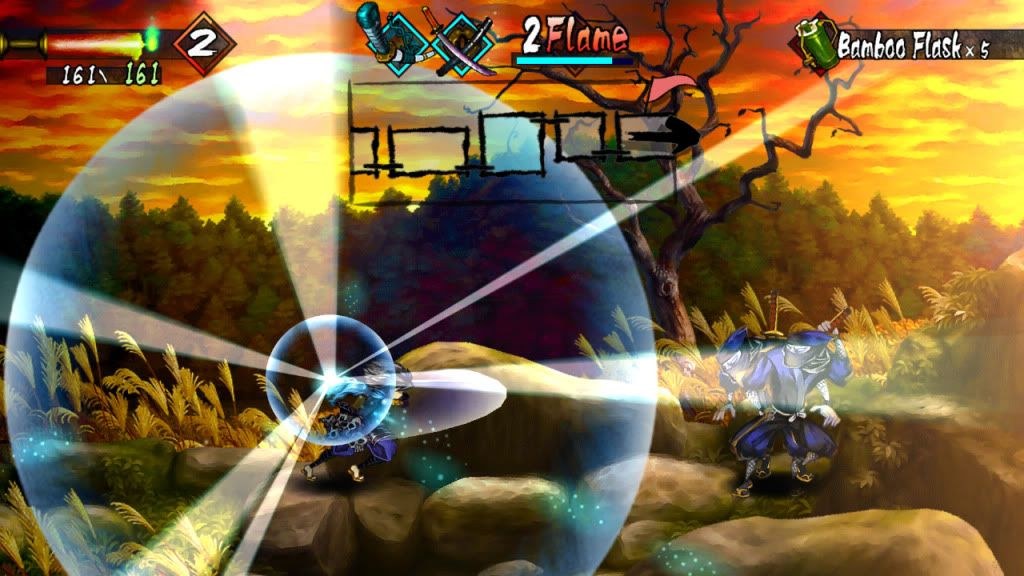
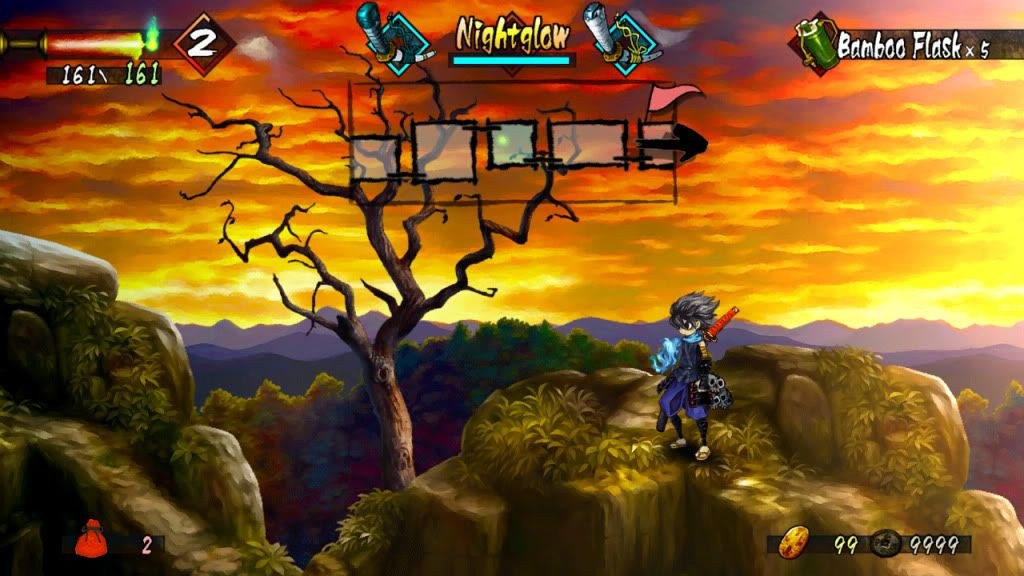
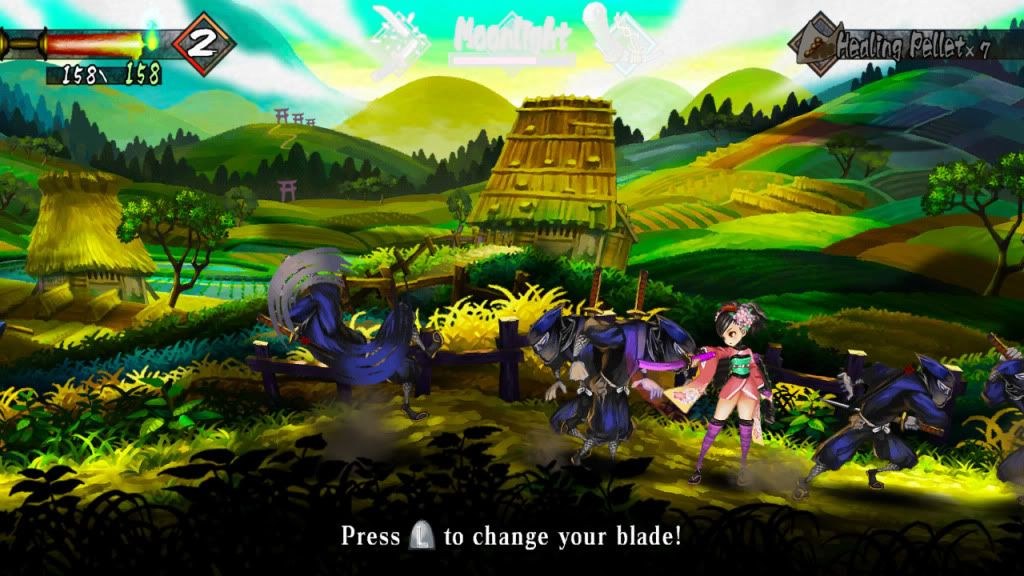
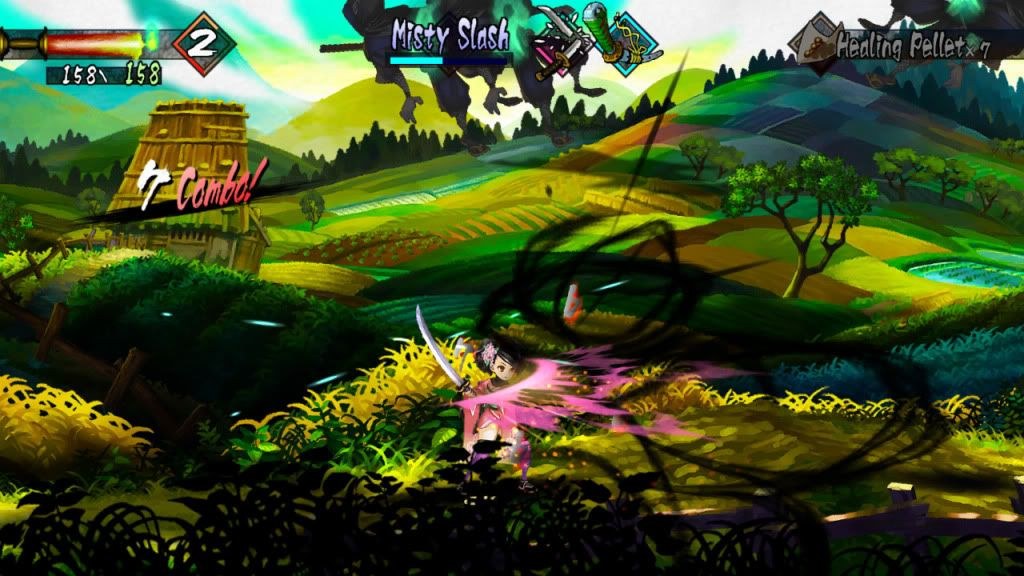
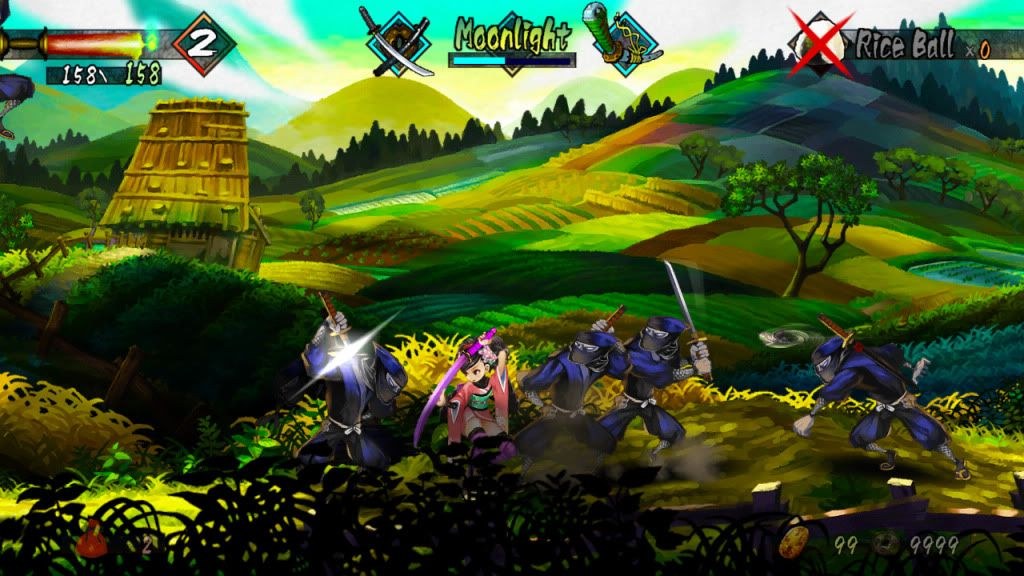
This 2014 pack runs Muramasa: The Demon Blade’s textures through a custom 2xHQ script, which doubles their size, applies unsharp masking and pushes the colours to a more vivid palette. The result is a more detailed take on the game’s artwork than the native textures give at high internal resolutions.
It was made for the European release (RSFP99).
How to set it up
- In Dolphin, open File > Open User Folder, then go into
Load/Textures/. - Extract the download there, so you end up with a
Load/Textures/RSF/folder. - Open Graphics > Advanced and tick Load Custom Textures. Ticking Prefetch Custom Textures too stops stutter, if you have the RAM for it.