Bighead and Razius's New Super Mario Bros. Wii Texture Pack
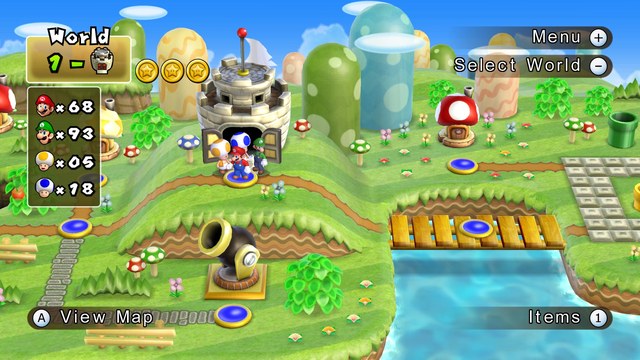
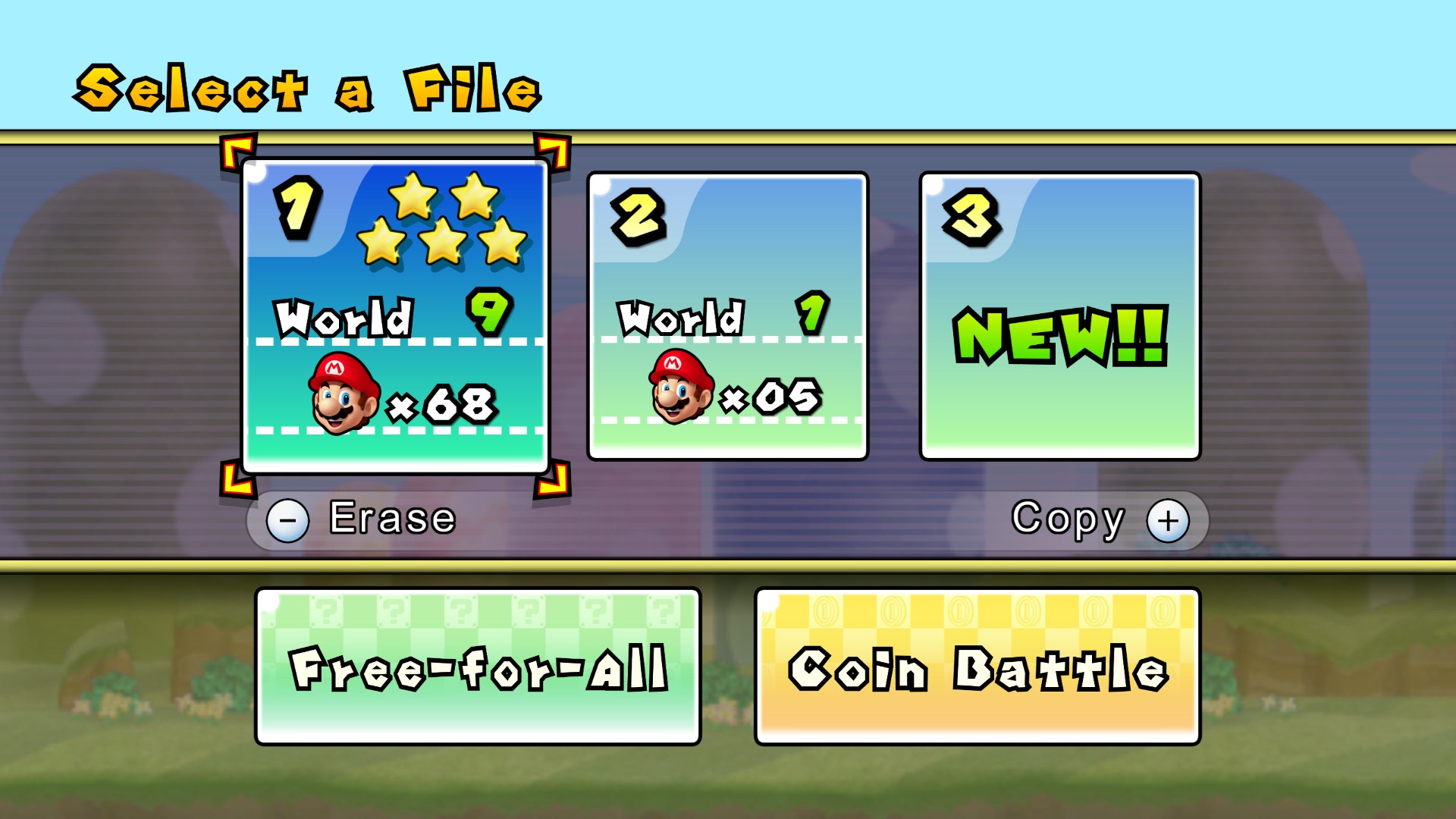
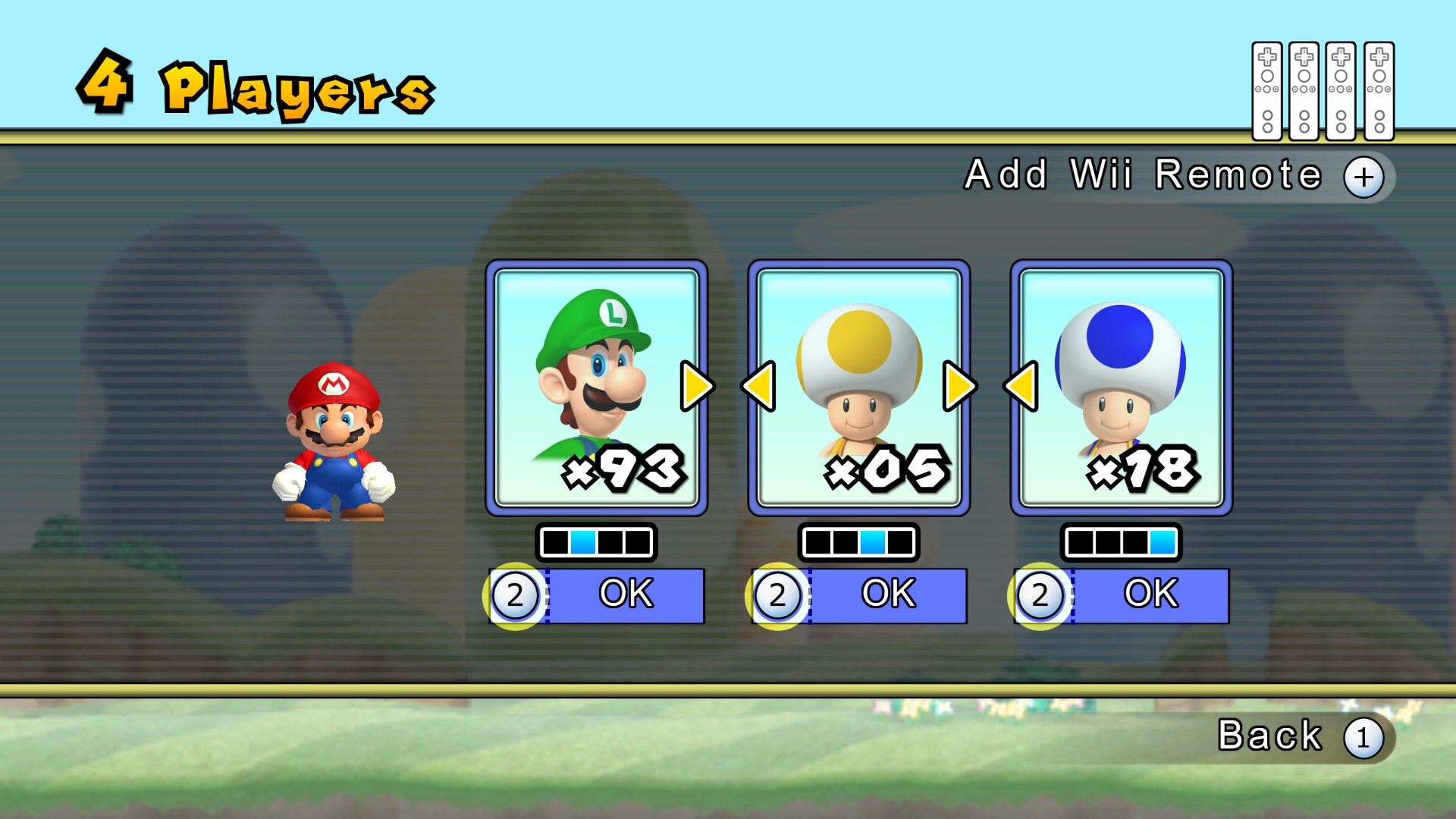
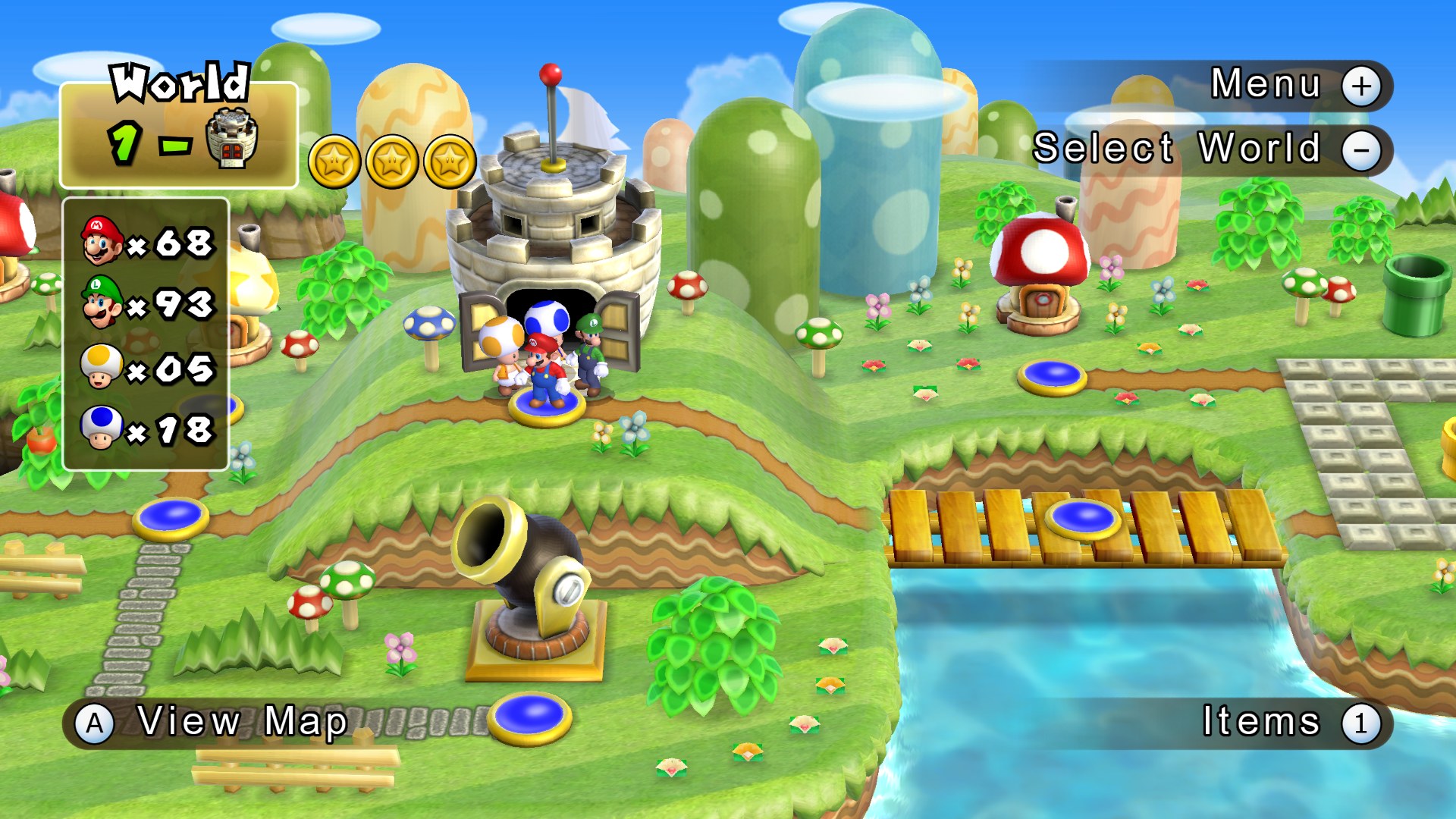
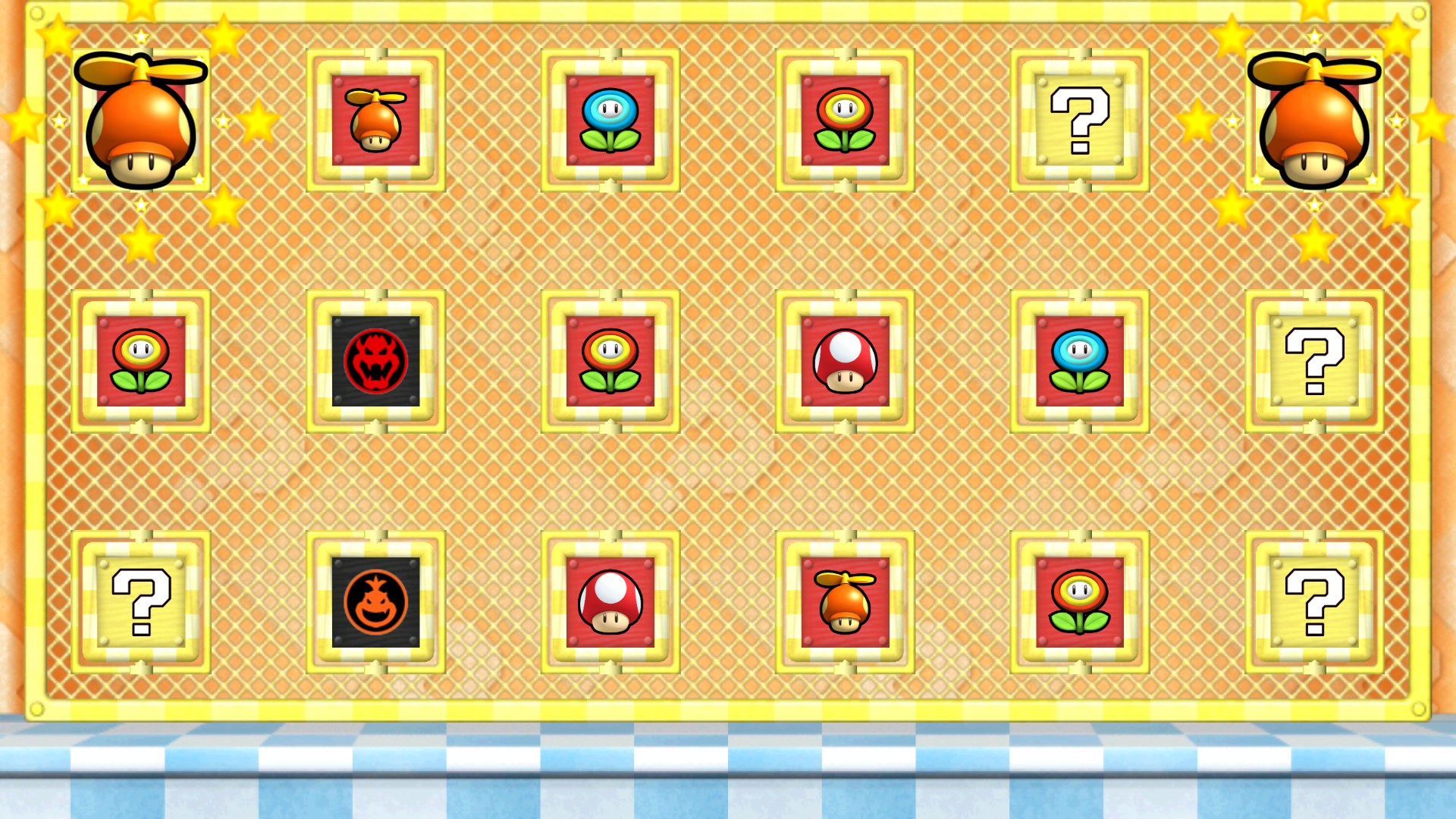
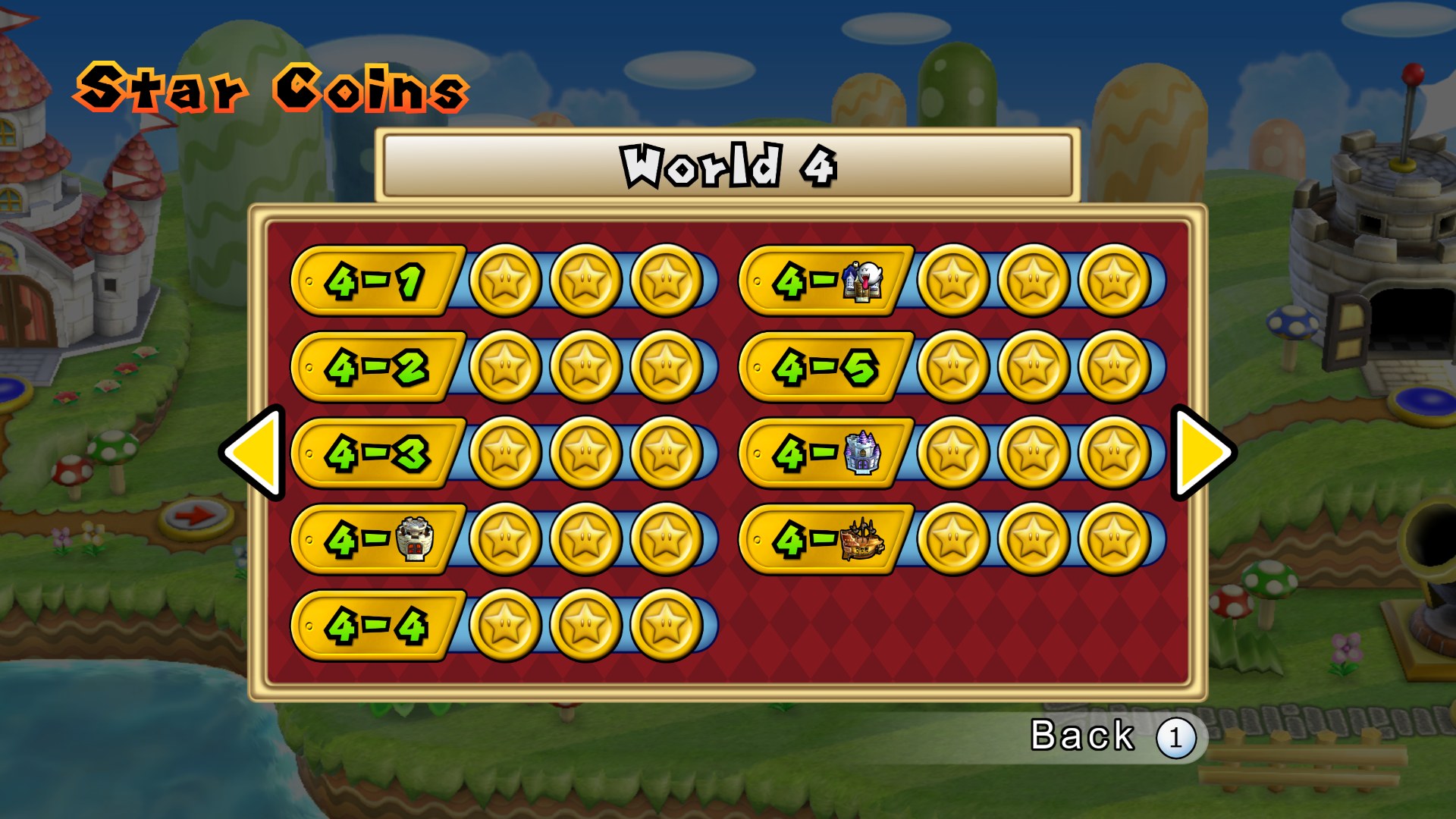
Info: So far I think the entire UI has been retextured, along with some in-game stuff. All textures are created as uncompressed DDS so they match PNG in quality.
How To Install: - Copy the SMN folder into: C:\Users\UserName\Documents\Dolphin Emulator\Load\Textures - Now in Dolphin check Load Custom Textures which can be found in the Graphics > Advanced Tab.
Credits: - A big thanks to razius for his many contributions to this project! - Thanks to jaco8 for the optional PSX buttons. - Strap Loader (warning screen) by CDAMJC (edited by Amon1995).
How to set it up
- In Dolphin, open File > Open User Folder, then go into
Load/Textures/. - Extract the download there, so you end up with a
Load/Textures/SMN/folder. - Open Graphics > Advanced and tick Load Custom Textures. Ticking Prefetch Custom Textures too stops stutter, if you have the RAM for it.