quick.silver1's Sonic Colors Texture Pack
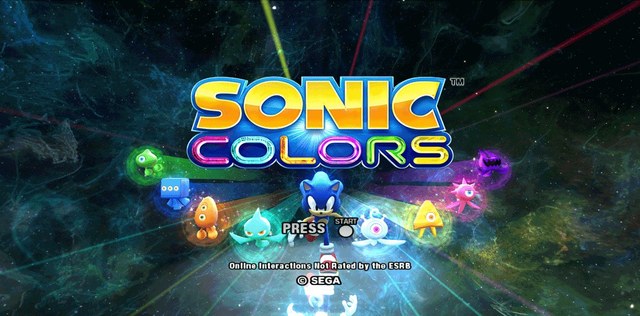
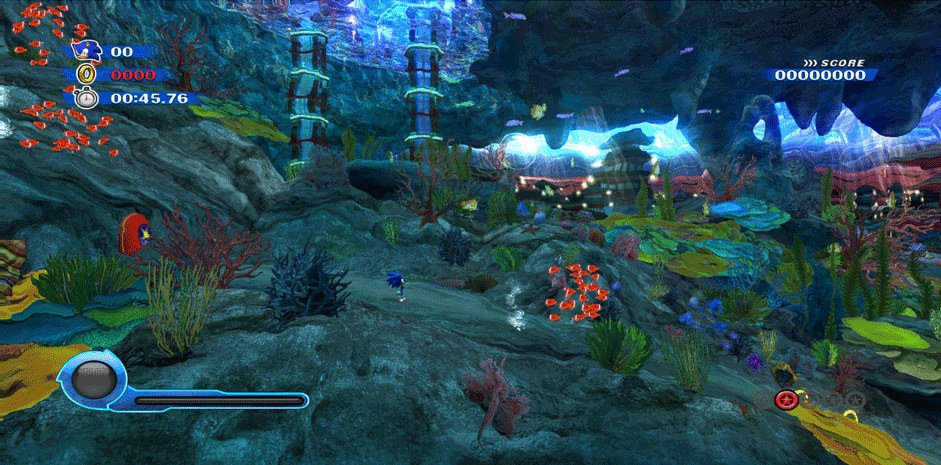
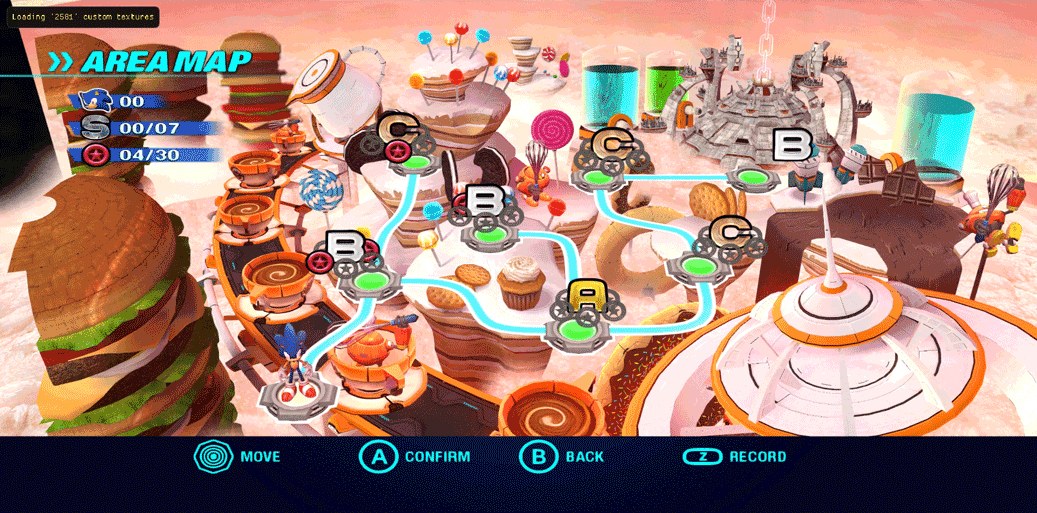
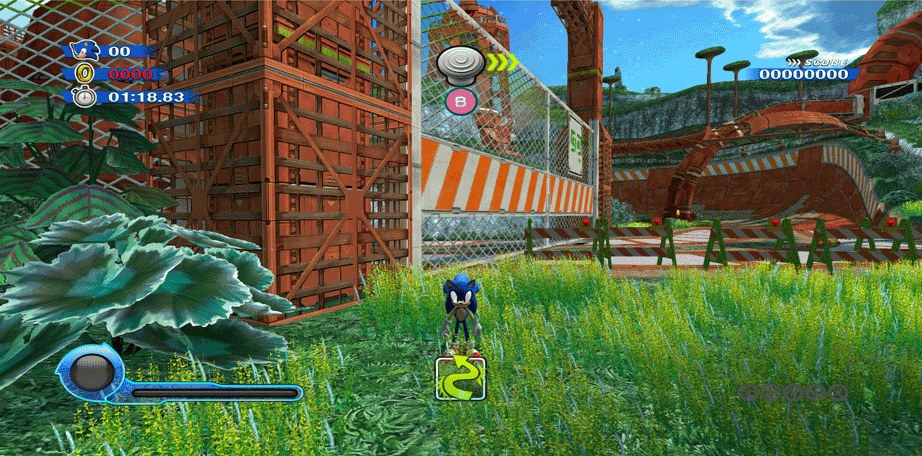
UHD Upscaled Texture # Textures AI upscaled 2593 PNG (NO SFD texture) # Textures are compatible with SNCE8P / SNCP8P # Textures are compatible with multiple Format ISO / CSO / RVZ # Textures are compatible with Resolution 720p, 1080p, 4K # Textures are compatible with Save & Load / Save State # Textures are compatible with PC/Android system # Textures are convertible to .DDS/PNG format (SSD/NVMe recommended)
Installation Spoiler:
Installation 0) Identify your game ID 1) Copy/Place “UHD Texture.7z” following this directory; PC ==> \Dolphin\User\Load\Textures\SNCE8P\ Android ==> Root phone\Android\Data\org.dolphinemu.dolphinemu\files\Load\Textures\SNCE8P\ (for faster process in smartphone, Copy “UHD Texture.7z” & extract from smartphone app)
How To Enable UHD Texture PC ==> Showbar Tab > Select “Graphic” > Select “Advanced” Tab > At Utility, Enable both “Load Custom Textures” & “Prefetch Custom Textures” Android ==> App Settings > Select “Graphic Setting” > Select “Advanced” > Enable both “Load Custom Textures” & “Prefetch Custom Textures”
Demonstration Video Spoiler:
Download UHD Texture Here
Original release and updates: quick.silver1’s page.
How to set it up
- In Dolphin, open File > Open User Folder, then go into
Load/Textures/. - Extract the download there, so you end up with a
Load/Textures/SNC/folder. - Open Graphics > Advanced and tick Load Custom Textures. Ticking Prefetch Custom Textures too stops stutter, if you have the RAM for it.