CDAMJC and Razius's Super Mario Galaxy 2 Texture Pack
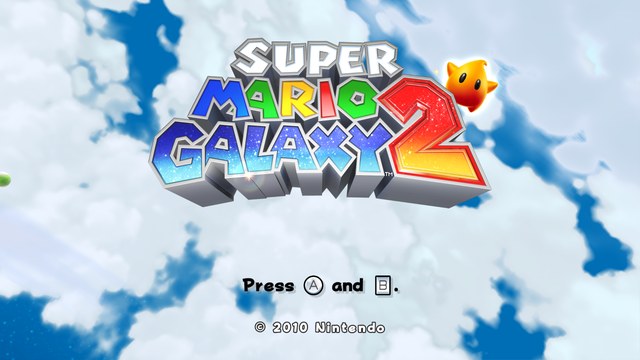
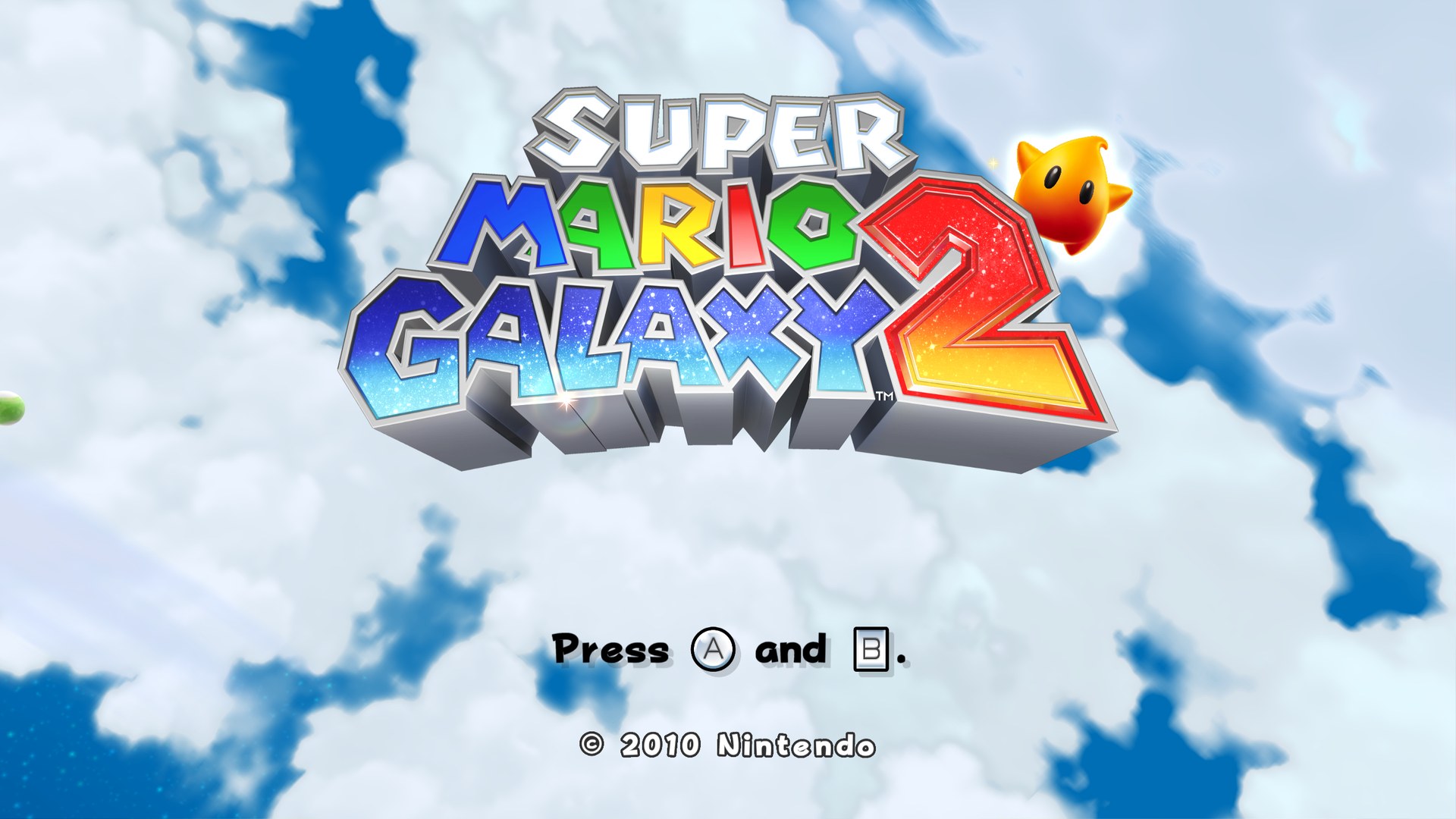
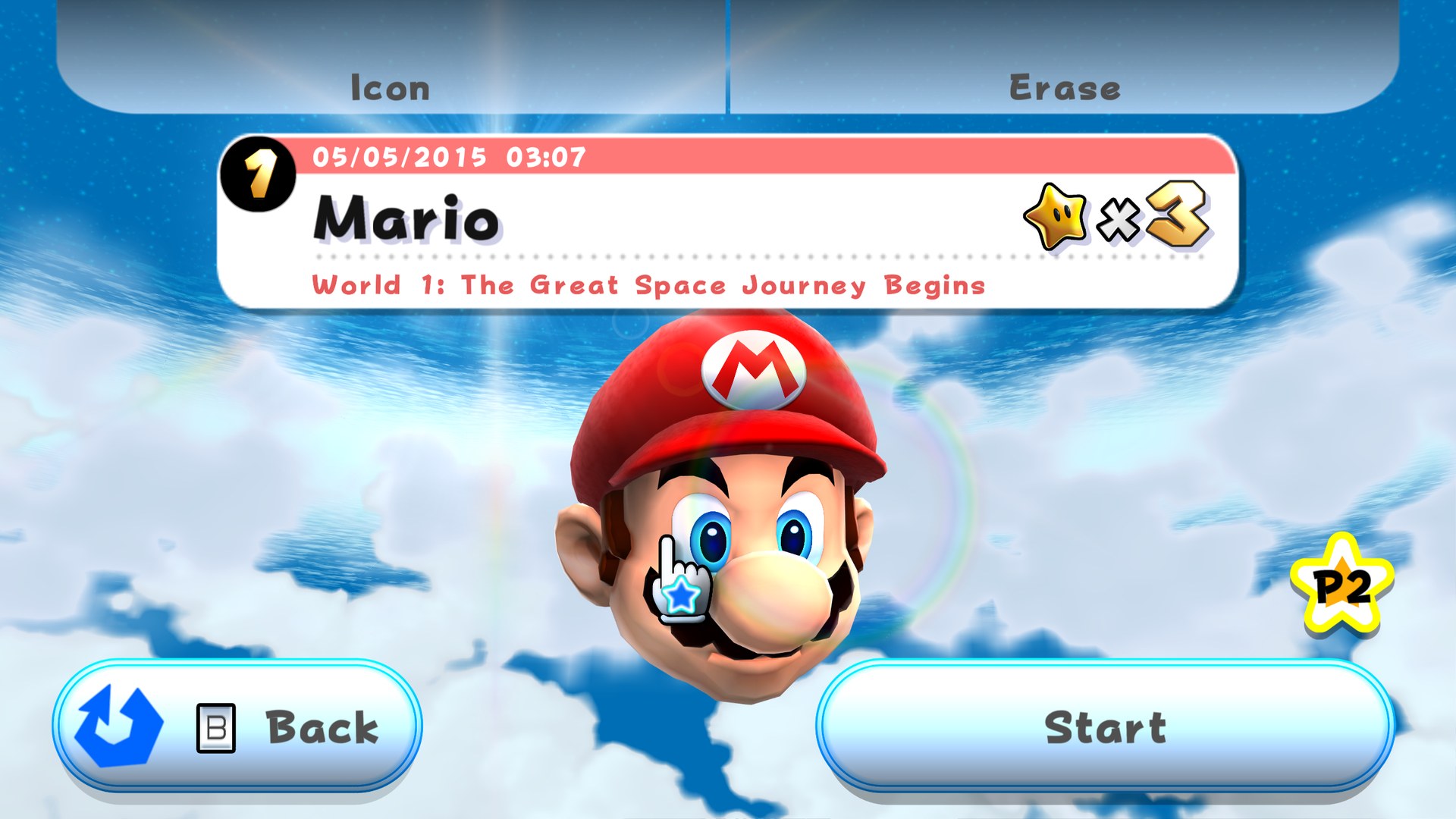
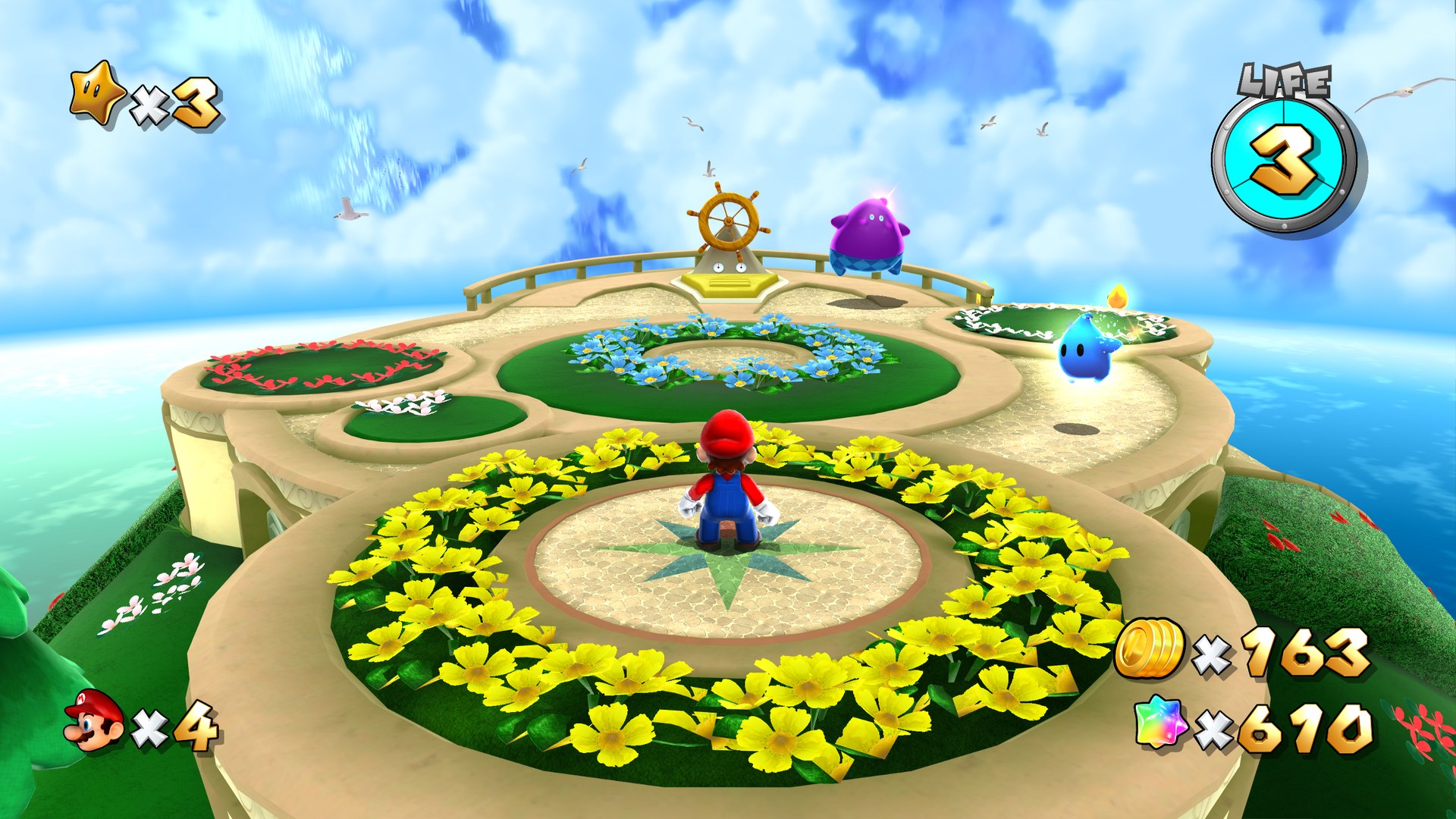
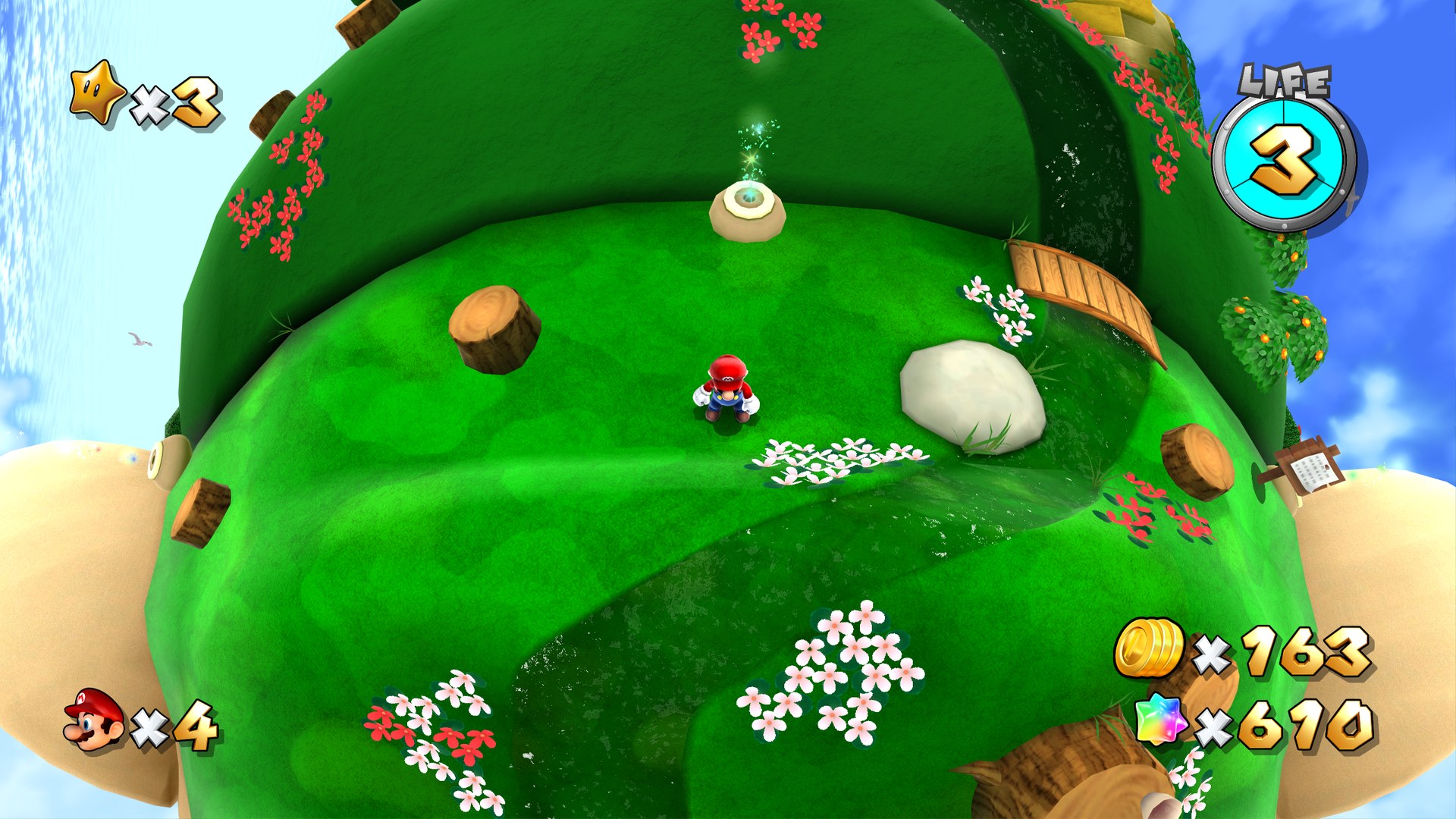
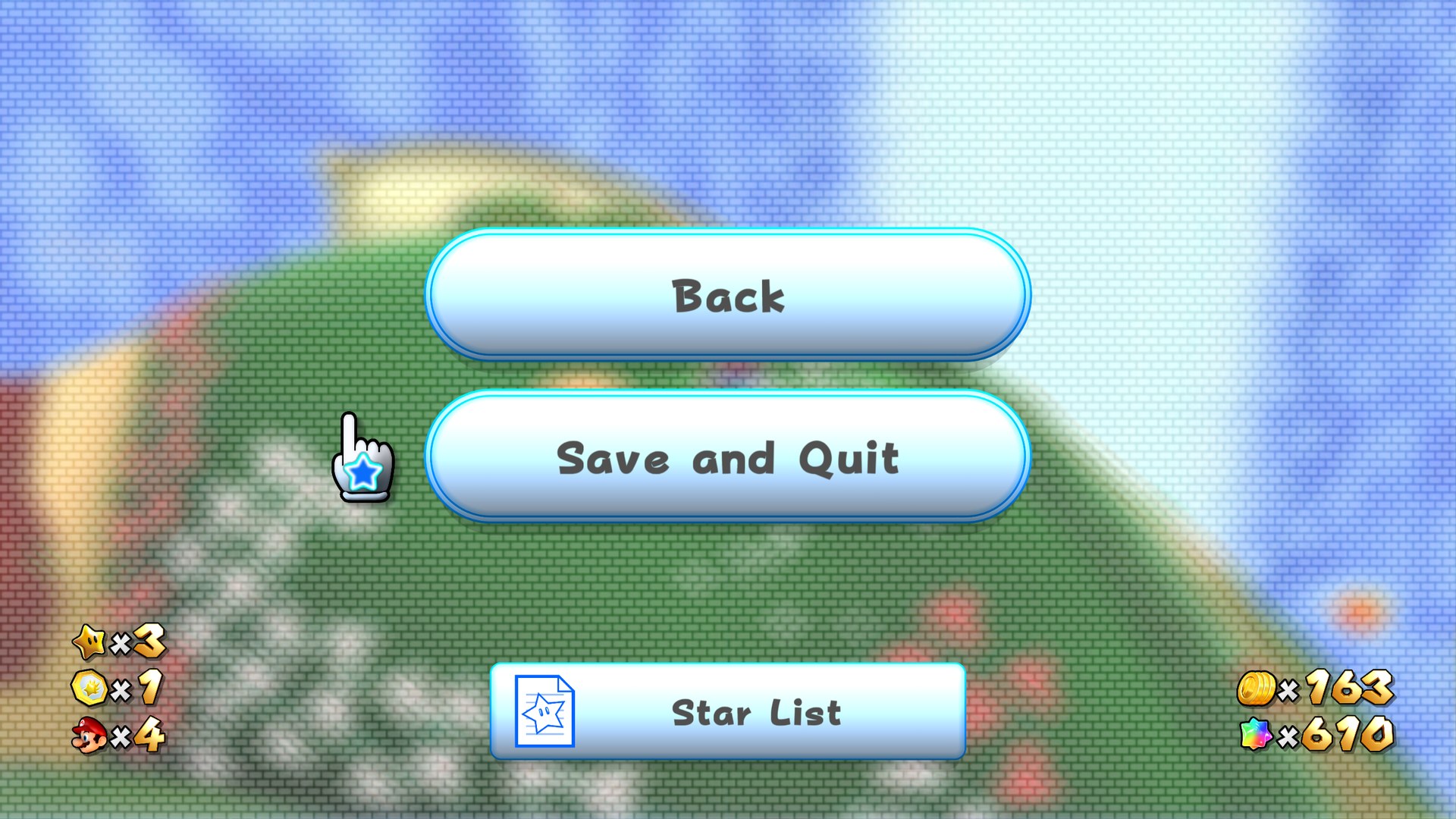
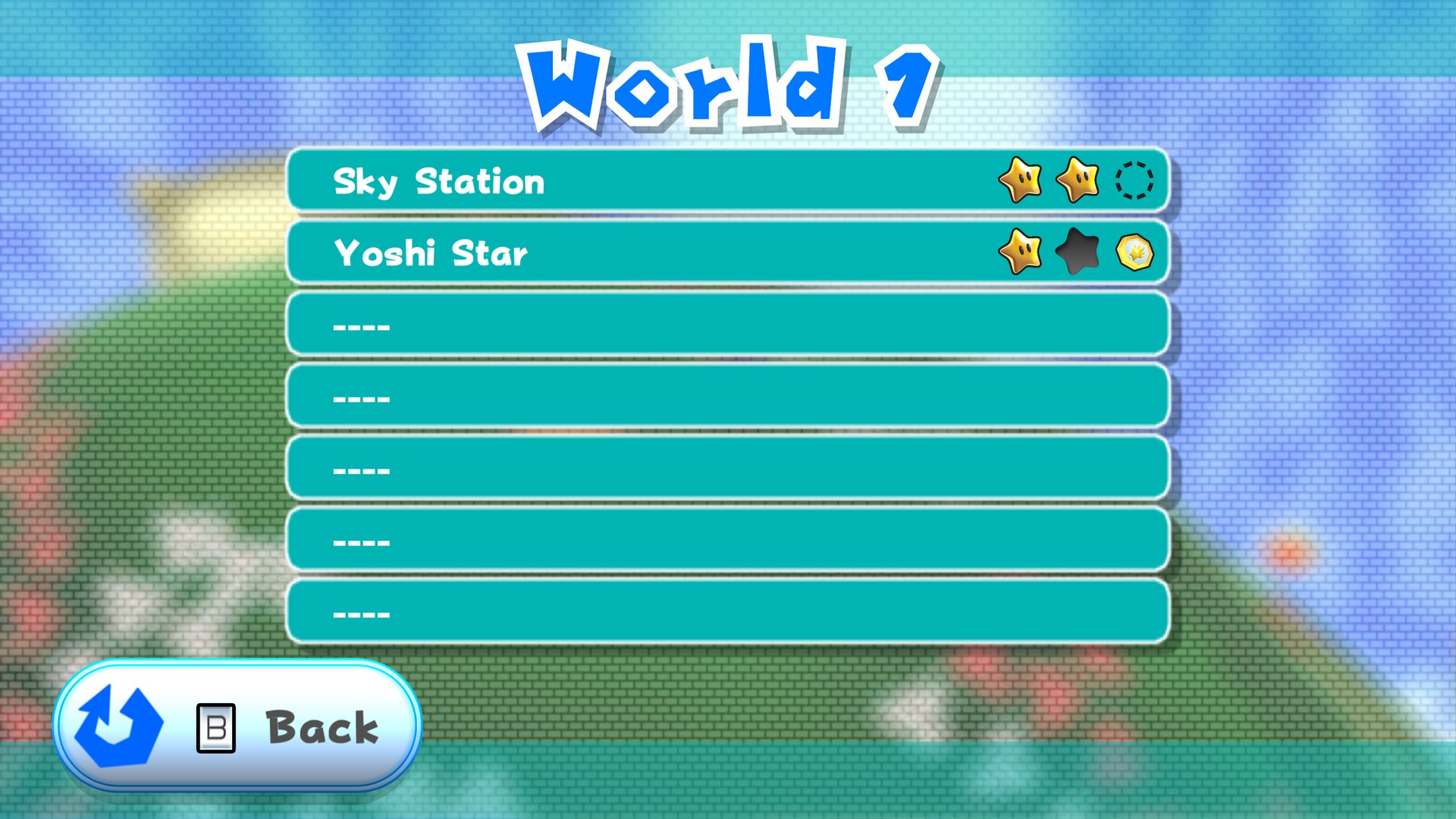
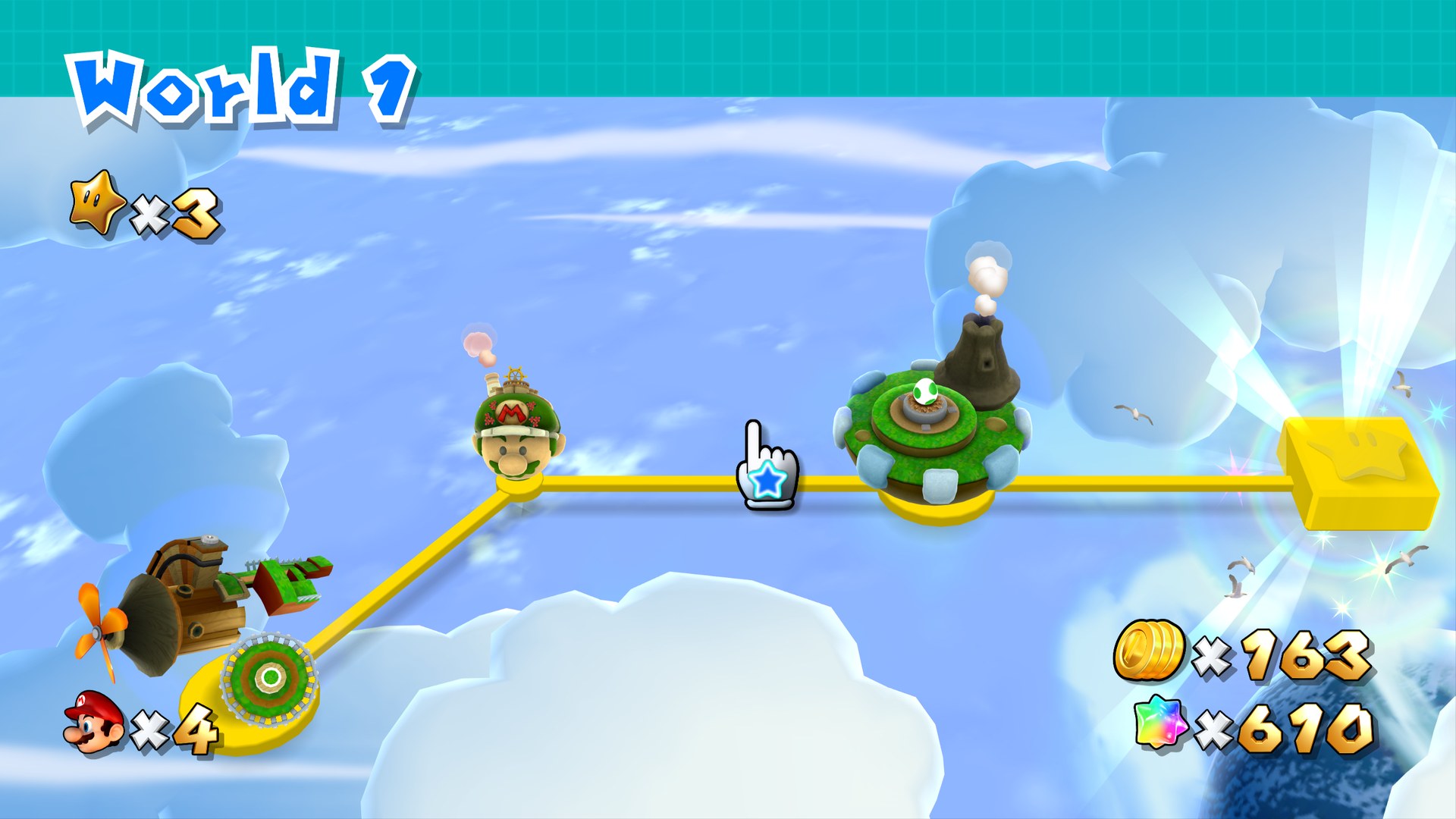
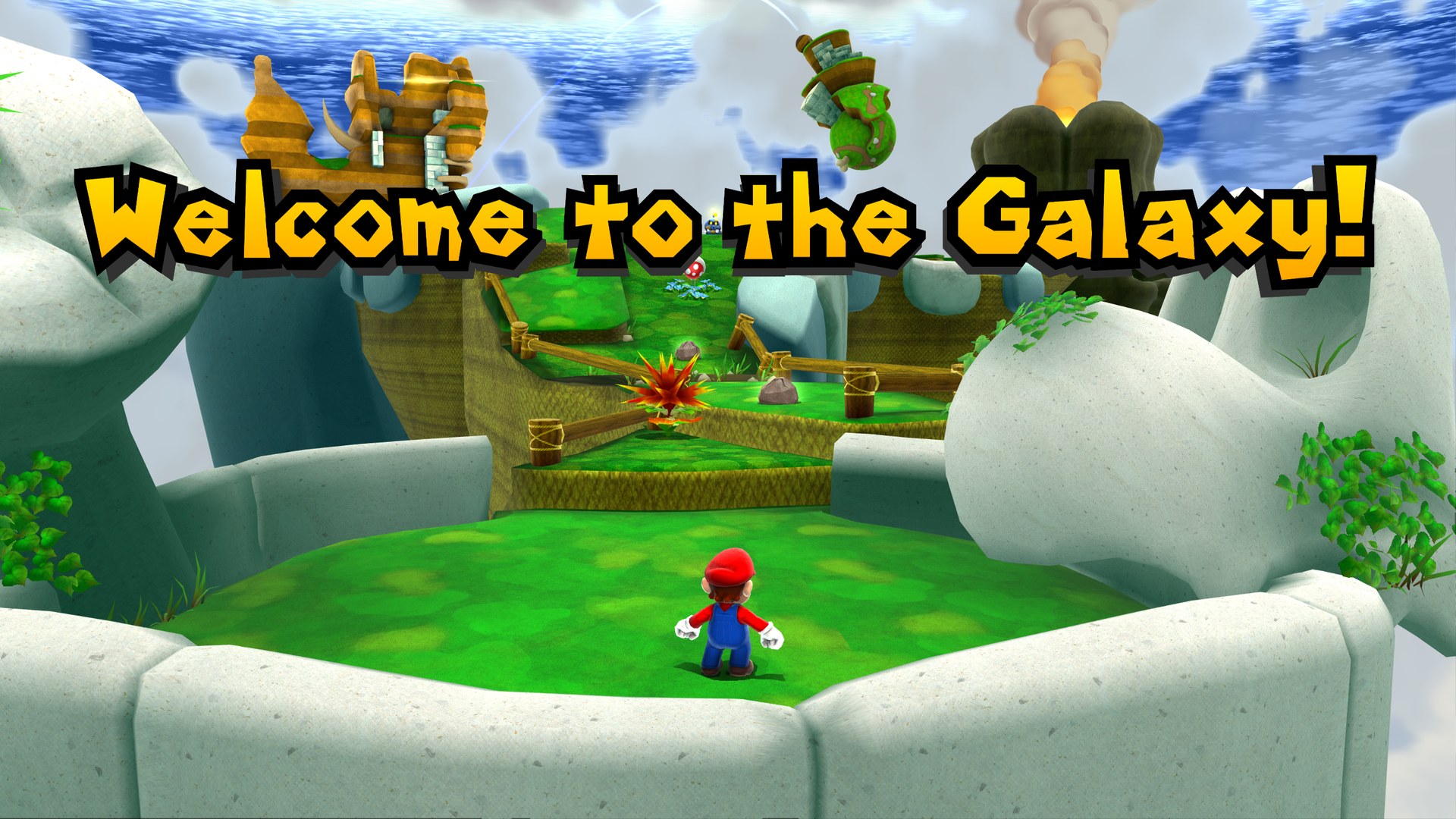
This is CDAMJC and Razius’s retexture for Super Mario Galaxy 2, the follow-up to their pack for the first game. It is offered as a 1080p DDS set, a 2160p DDS set for 4K screens, and a 2160p set in PNG.
How to set it up
- In Dolphin, open File > Open User Folder, then go into
Load/Textures/. - Extract the download there, so you end up with a
Load/Textures/SB4/folder. - Open Graphics > Advanced and tick Load Custom Textures. Ticking Prefetch Custom Textures too stops stutter, if you have the RAM for it.