Razius's Super Paper Mario Texture Pack
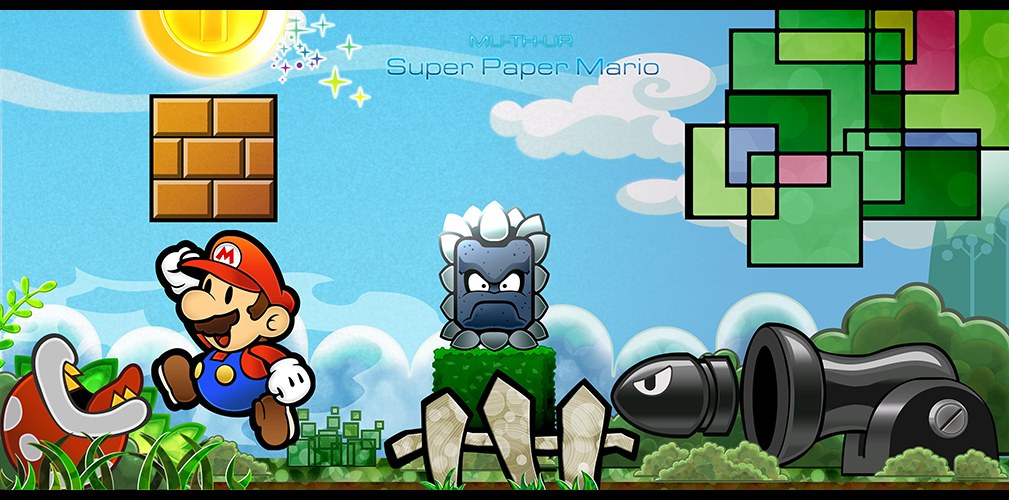
Razius rebuilt Super Paper Mario’s textures at eight times their original width and height, so they stay sharp at 4K and above, where the fine stone grain in the artwork really shows.
A 4x version is also offered for people playing at 3x to 6x internal resolution, while the 8x set is the better choice from 7x upward.
How to set it up
- In Dolphin, open File > Open User Folder, then go into
Load/Textures/. - Extract the download there, so you end up with a
Load/Textures/R8P/folder. - Open Graphics > Advanced and tick Load Custom Textures. Ticking Prefetch Custom Textures too stops stutter, if you have the RAM for it.