Cemu

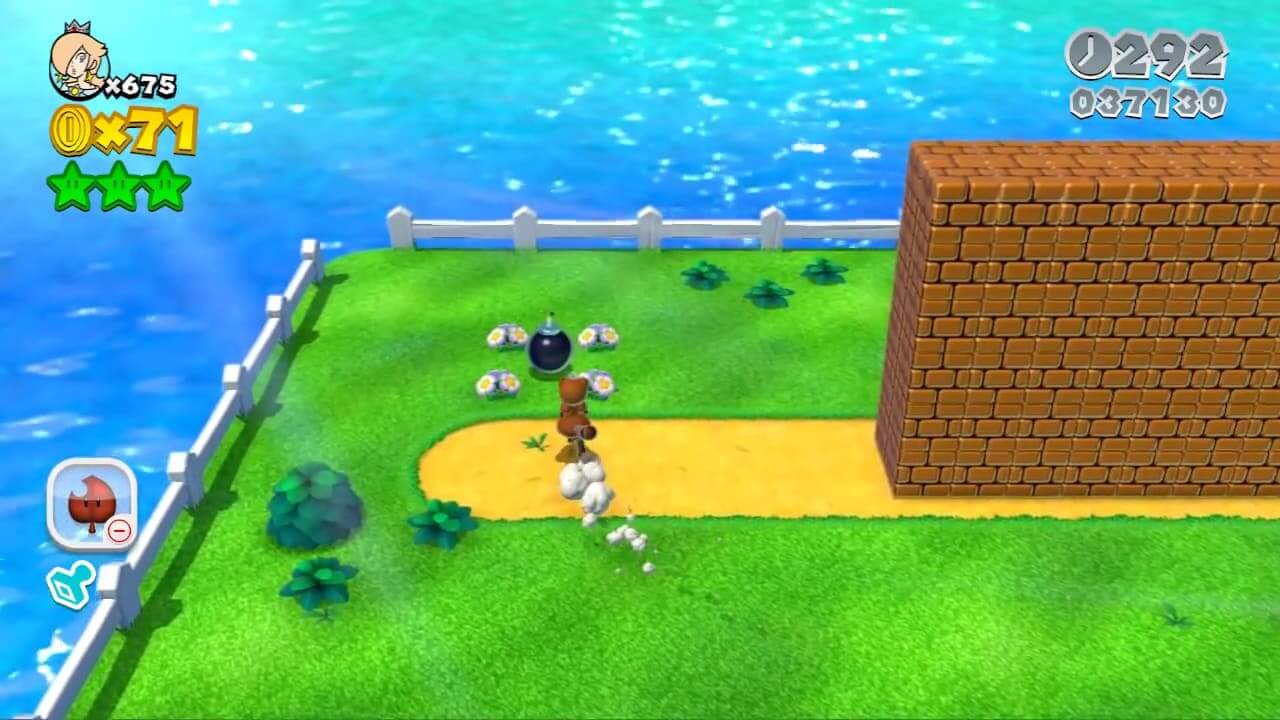

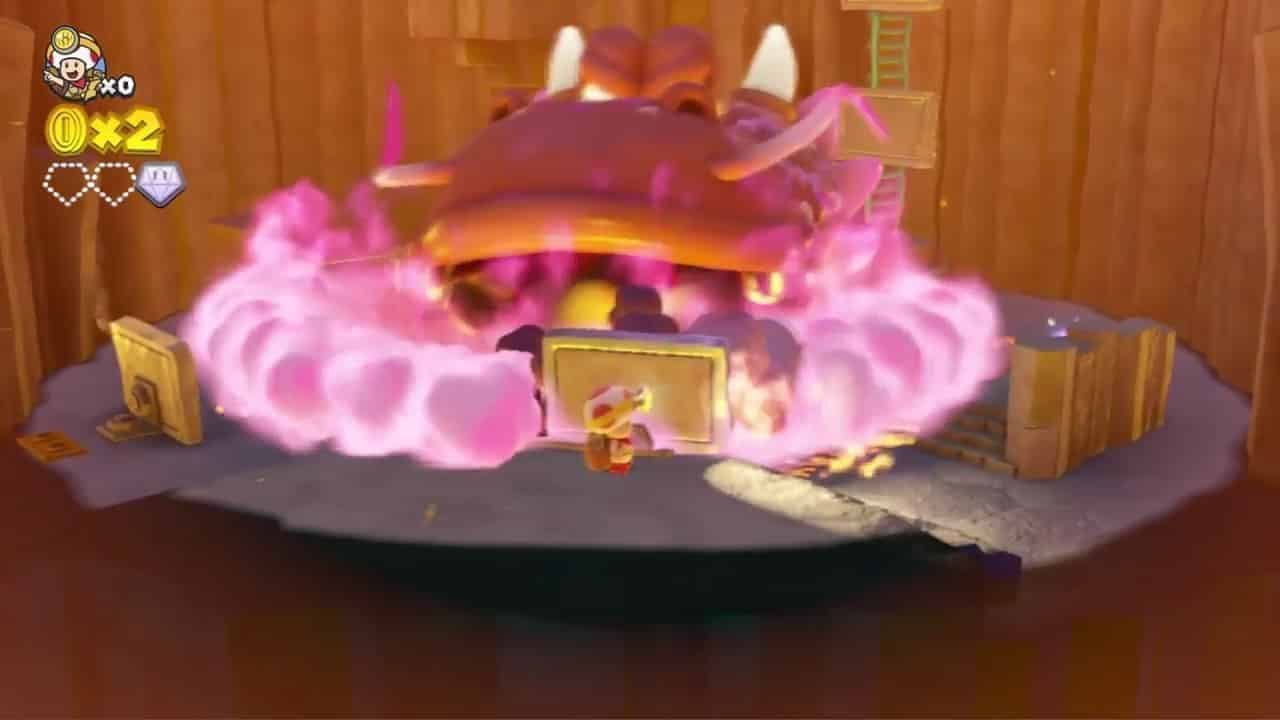
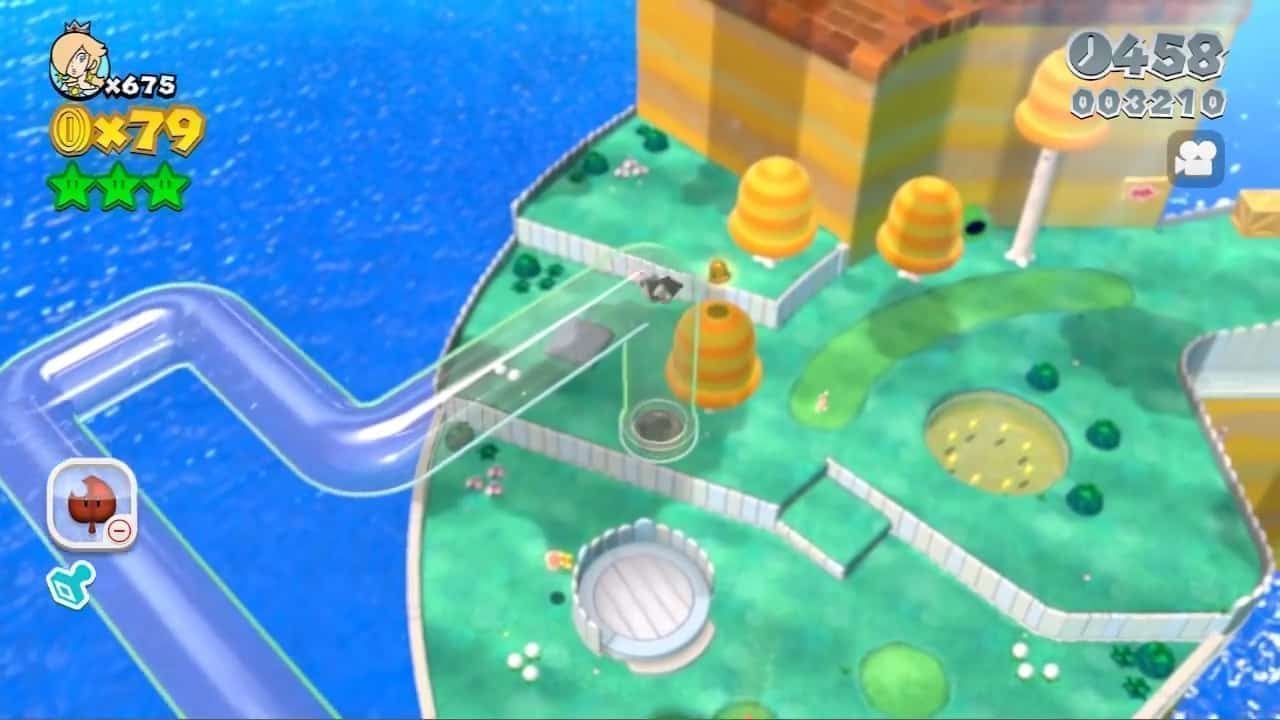
Cemu is a Nintendo Wii U emulator. Its first release in October 2015 was the first time commercial Wii U games could boot on a PC, and within a few years games such as Mario Kart 8 and The Legend of Zelda: Breath of the Wild were fully playable.
In 2022 Cemu became open source, and version 2.0 added official Linux builds. An experimental macOS version is also available. Development continues in the open on GitHub.
Most of the Wii U library now runs well in Cemu. It supports higher resolutions, graphic packs that unlock frame rates and add mods, Vulkan and OpenGL renderers, and a range of controllers including the Wii U GamePad’s motion controls through compatible devices.
Note: Cemu needs games dumped from your own Wii U. Encrypted disc images also need that disc’s key.
Which download to pick
All four buttons are the same Cemu release, built for different systems.
- Windows: a portable zip for 64-bit Windows. Extract it to a folder you can write to, such as your Desktop or Documents, rather than Program Files.
- Ubuntu (64-bit): a zip built on Ubuntu 22.04.
- AppImage: a single-file Linux build that runs on most 64-bit distributions. Make it executable and run it.
- macOS (64-bit): an Intel (x64) build. The Cemu team describes the macOS version as experimental; on Apple Silicon Macs it runs through Rosetta and MoltenVK, which costs performance.
System requirements
The official site lists a GPU with OpenGL 4.5 or Vulkan 1.2 support and 4 GB of RAM as the minimum, with 8 GB or more recommended. Vulkan is recommended in most cases; the site suggests OpenGL only for graphics cards with less than 2 GB of memory. NVIDIA and AMD cards work with current drivers, while Intel GPUs have limited support.
Getting started
On first launch a setup assistant asks for a game path: a folder Cemu scans for games, updates and DLC. Updates and DLC can also be installed through File > Install game title, update or DLC. Cemu reads WUD, WUX, WUA, WUHB, ISO and RPX files. The Dumpling homebrew app can dump discs, installed titles and the files needed for online play from a Wii U.
Controllers are set up under Options > Input settings. The assistant advises using an emulated GamePad for player one, since many games expect it and it is needed for touch input. Gyro controls work with controllers that have motion sensors. Community graphic packs are managed under Options > Graphic packs.