BlastEM

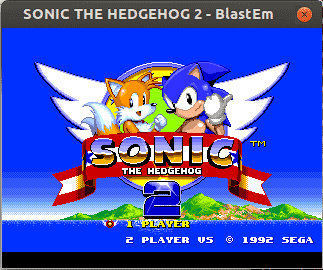
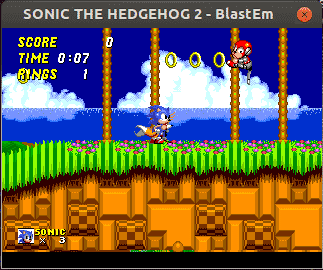
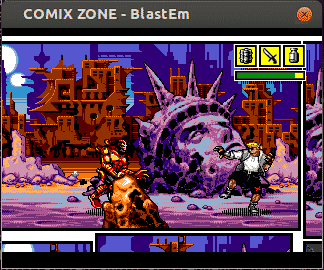
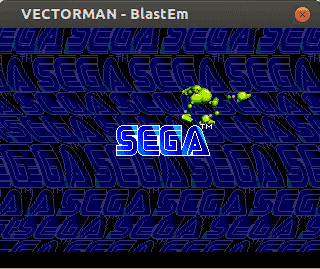
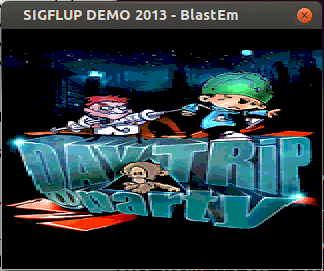
BlastEm is a Sega Genesis emulator for Windows, Linux and macOS. Its goal is to be extremely accurate while still running on very weak hardware, thanks to careful optimisation.
Its author does not yet consider its accuracy and performance finished, but it is more than good enough for most users. It passes many hardware tests and runs difficult games that many other emulators fail on.
BlastEm was originally developed on a netbook-class laptop from 2011, and it still runs Genesis games at full speed on that machine.
BlastEm already emulates the vast majority of the Genesis, though some hardware features are still missing. It is one of the most accurate Genesis emulators and one to keep an eye on.
Which download to pick
All four buttons are BlastEm 0.6.2, released in March 2019. Each is an archive with no installer: extract it to a folder of your choice and run blastem.
- for Windows is a 32-bit build that runs on both 32-bit and 64-bit Windows.
- for macOS is built for Intel Macs.
- for Linux (64-bit) suits almost any current PC; for Linux (32-bit) is for old 32-bit systems.
Version 0.6.2 only runs on x86 processors, so none of these builds run natively on ARM hardware such as a Raspberry Pi. BlastEm 1.0.0, released in September 2026, is the first version that is not tied to x86, and it adds Sega CD, 32X, Game Gear, SG-1000 and Sega Pico support. Version 0.6.2 covers the Genesis and has only limited Master System support.
Getting started
Start BlastEm without a game to reach its menu, then load a Genesis ROM from there. Esc opens the menu during play.
Default keyboard controls in 0.6.2:
- Arrow keys for the D-pad, Enter for Start
- A, S and D for the A, B and C buttons; Q, W and E for X, Y and Z
- F11 toggles full screen and Tab is a soft reset
Xbox and PlayStation-style gamepads are recognised, and controls can be changed from the menu. Settings are saved to blastem.cfg in %localappdata%\blastem on Windows or ~/.config/blastem on Linux. Genesis cartridge games need no BIOS.