ePSXe





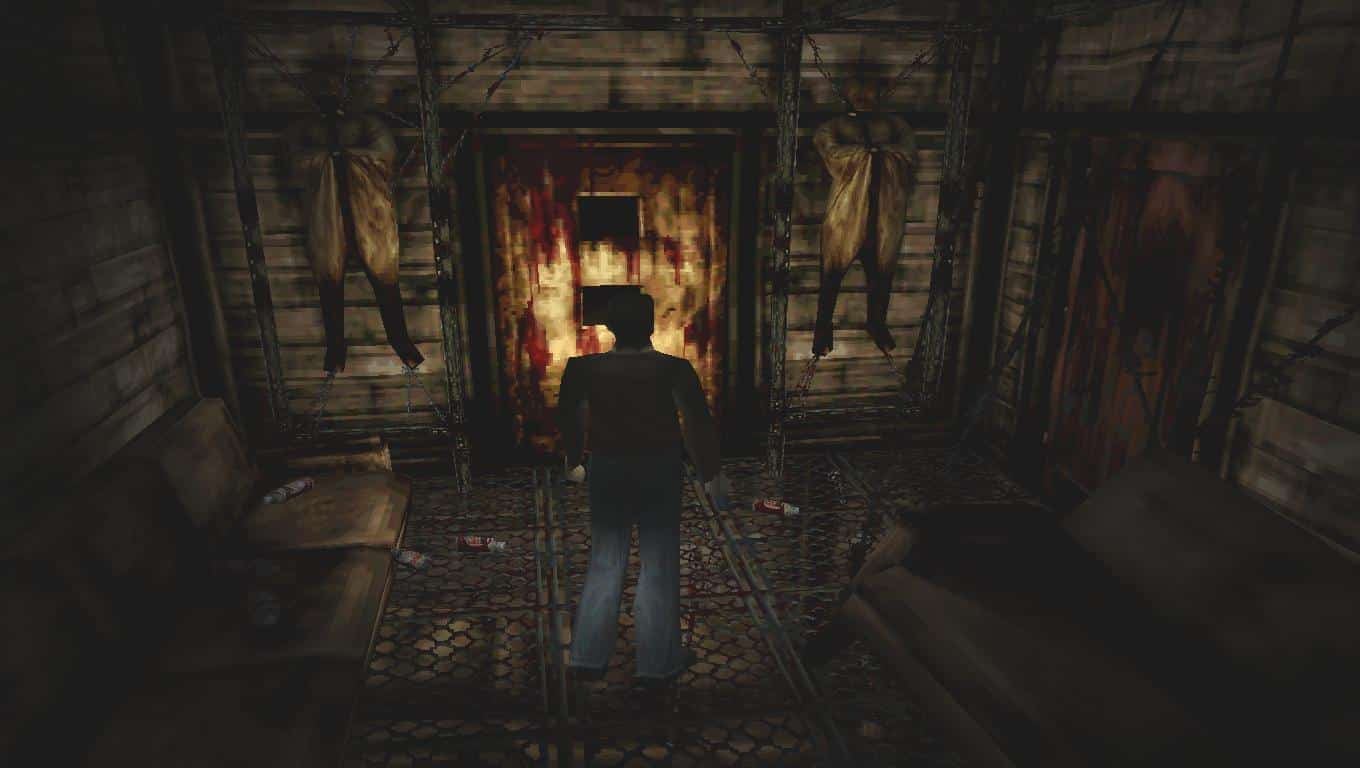

ePSXe is a PlayStation (PSX) emulator for Windows, Linux, macOS and Android. It is one of the most popular PSX emulators and runs the vast majority of the PS1 library.
Like many N64 emulators, ePSXe uses plugins for graphics, sound and other features, so third-party developers can improve those areas without changing the core. It comes with good default plugins, so you don’t have to hunt for the right ones.
Later versions improved accuracy and added a high-level emulation (HLE) BIOS, so some games run without a PlayStation BIOS file. Compatibility with the HLE BIOS is lower than with a real one, so a BIOS dumped from your own console is still recommended.
Which download to pick
- Windows: version 2.0.18, a
.zipyou extract and run. ePSXe 2.0 requires Windows Vista or later. - Linux: version 2.0.5. Take the 64-bit build on any modern distribution. The 32-bit build is only for old 32-bit systems.
- macOS: version 2.0.5, a zipped app bundle.
The Linux and macOS versions have not been updated since 2016. The older 2.0.5 Windows build is in the archive below.
Getting started
- Dump the BIOS from your own PlayStation. ePSXe has been tested mainly with the SCPH-1001 and SCPH-7502 BIOS versions. Copy the file into ePSXe’s
biosfolder (on Linux,~/.epsxe/bios/). Without it, ePSXe falls back to its HLE BIOS. - Set up video, sound and controller options from the Config menu. The bundled plugins work for most games.
- Start a game with File > Run ISO, which loads disc images such as BIN/CUE and ISO dumped from your own discs.
Savestates made with a real BIOS are not compatible with savestates made with the HLE BIOS, so pick one and stay with it.