RPCS3


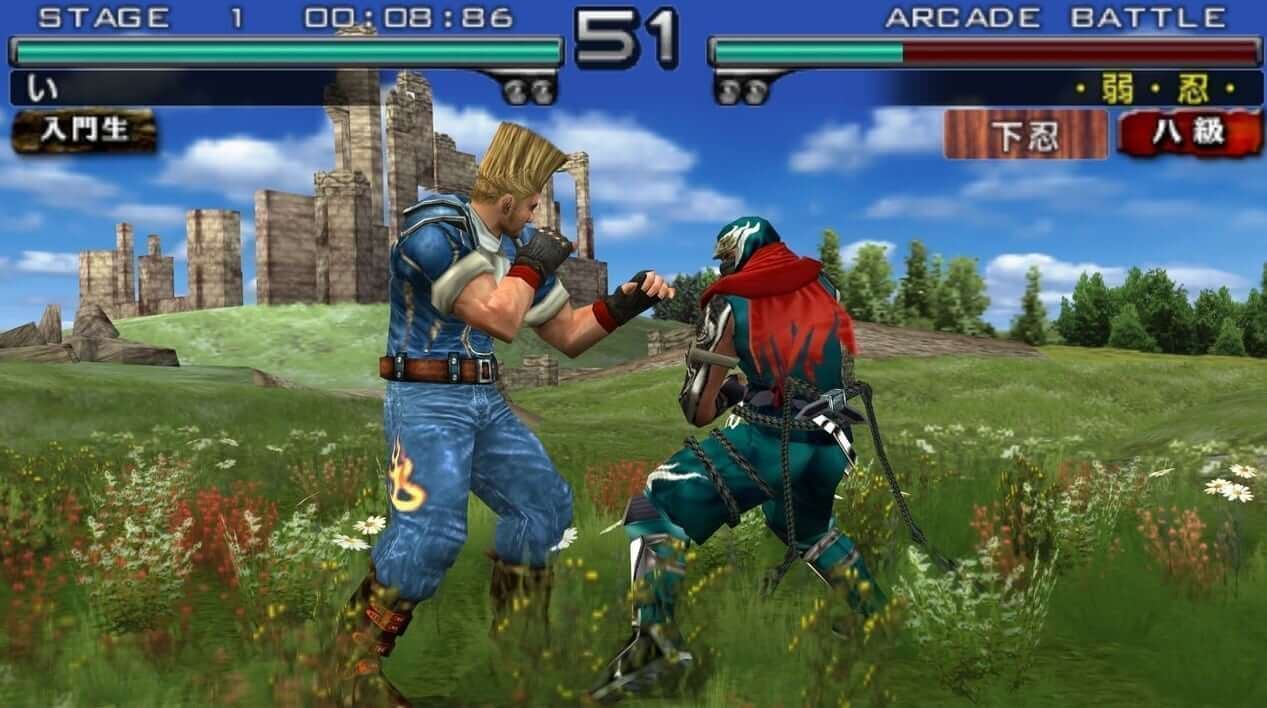
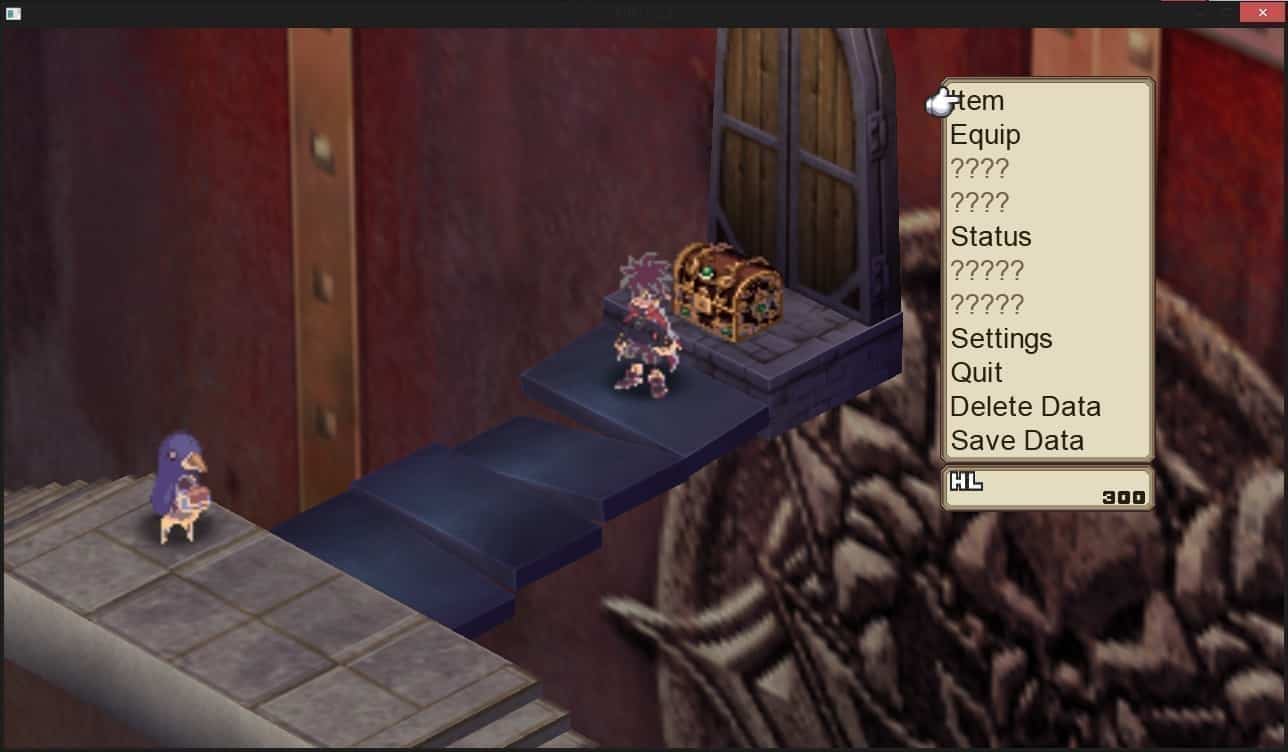
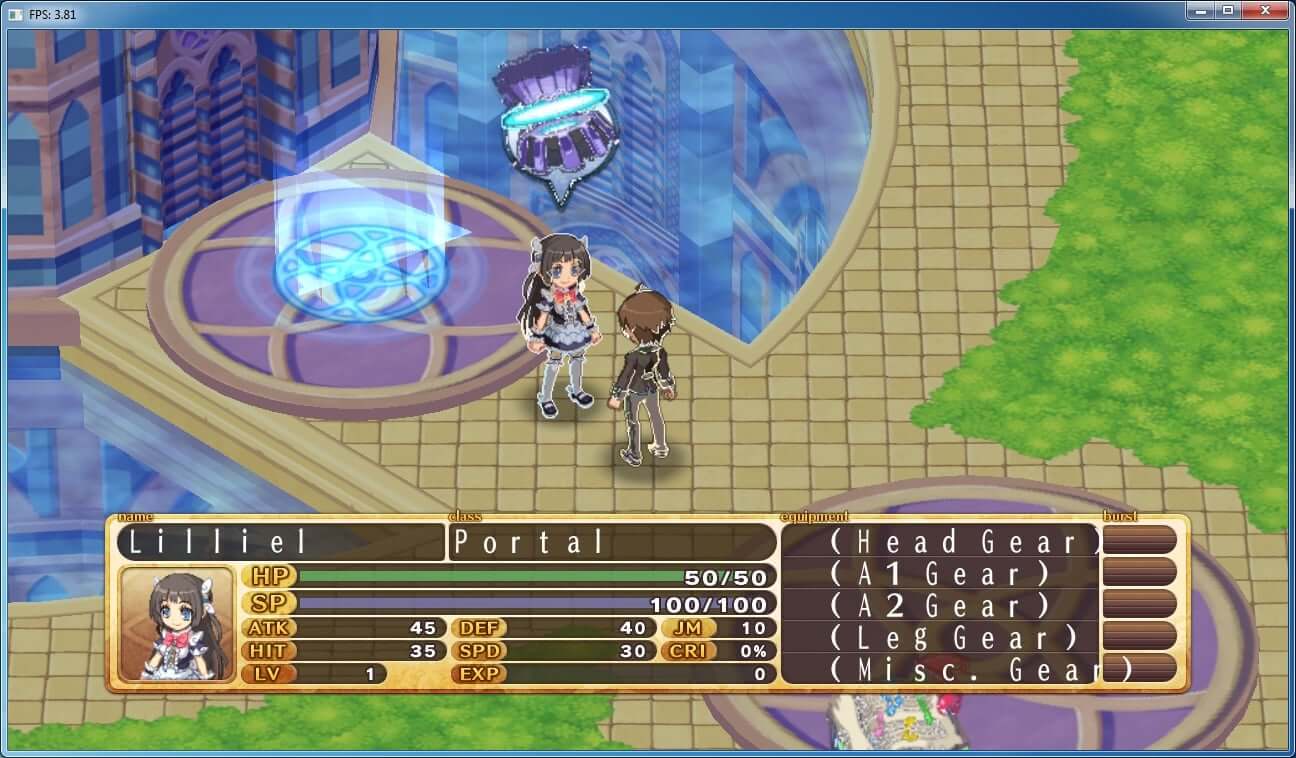
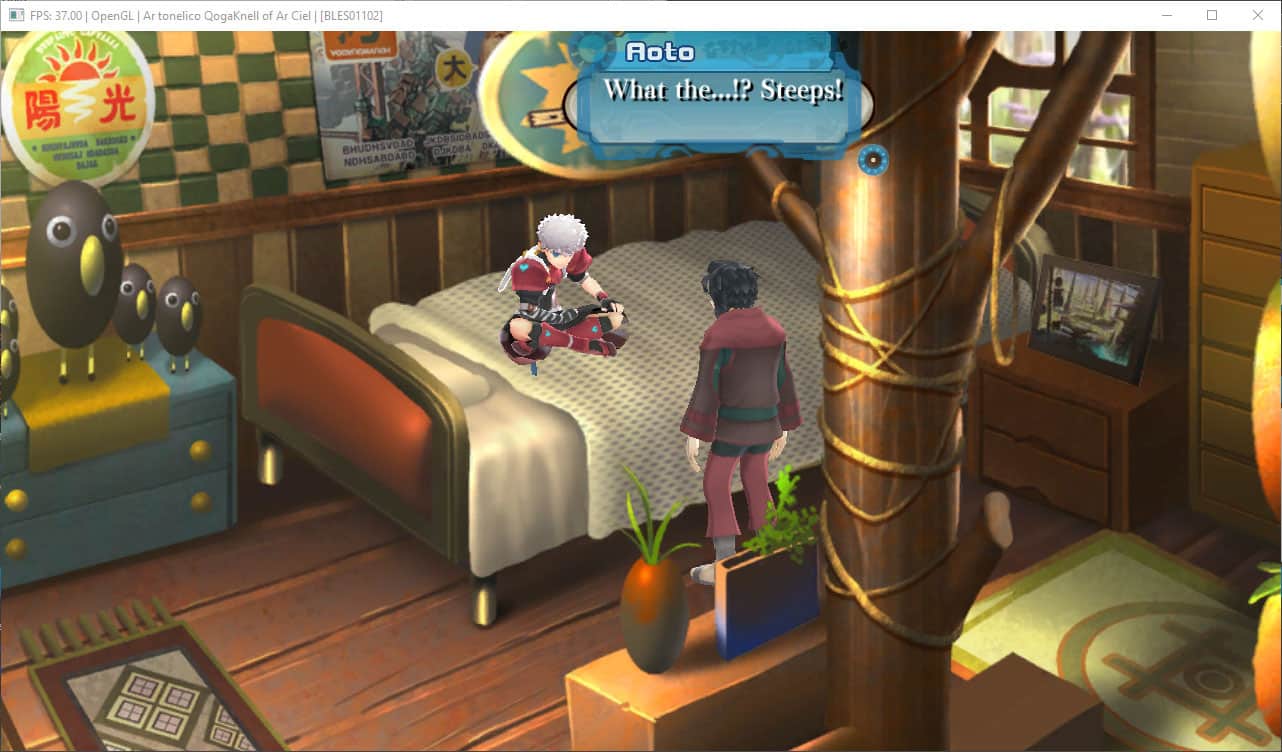
RPCS3 is an open source PlayStation 3 emulator for Windows, Linux, macOS and FreeBSD. The PS3’s Cell processor was long thought too complex to emulate, but RPCS3, started in 2011 by the developers DH and Hykem, proved otherwise.
After years of steady work, the majority of the PS3 library is now playable in RPCS3. Many games run at higher resolutions and frame rates than on the original console, and the project keeps a detailed public compatibility list.
RPCS3 is demanding: a modern processor with plenty of cores gives the best results. It needs the official PS3 system software, which you can download from PlayStation’s website, and games dumped from your own discs or console.
Which download to pick
RPCS3 has no separate stable releases; development builds are published as it goes, and those are the ones on this page.
- Windows: a
.7zarchive. Extract it to a folder of its own and runrpcs3.exe. You also need the Visual C++ Redistributable for Visual Studio 2022 (x64) and an up-to-date graphics driver. - Linux: a 64-bit AppImage, a single file you make executable and run.
Newer builds appear often. RPCS3 can also check for updates itself.
Getting started
- Get the PS3 system software update file,
PS3UPDAT.PUP, and install it with File > Install Firmware. Commercial games will not start without it. - Add disc games you have dumped from your own discs with File > Add Games, or Add ISO Games for ISO images.
- Digital games and updates come as
.pkgfiles, usually with.raplicence files taken from your own console. Install them with File > Install Packages/Raps/Edats. - Map your controller under Configuration > Devices > Pads.
Performance depends mostly on the CPU. RPCS3’s compatibility list shows how well each game runs, and its wiki often lists recommended settings per game.