PPSSPP



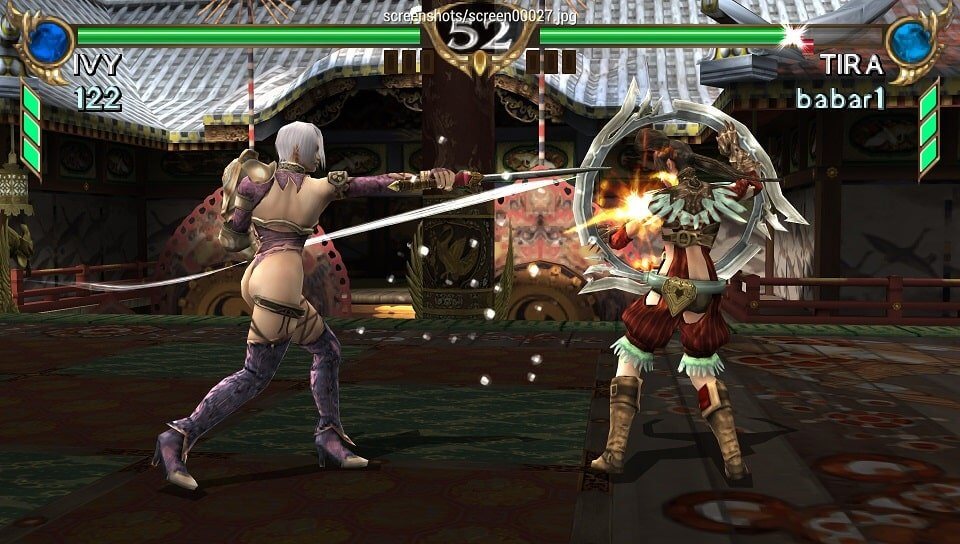
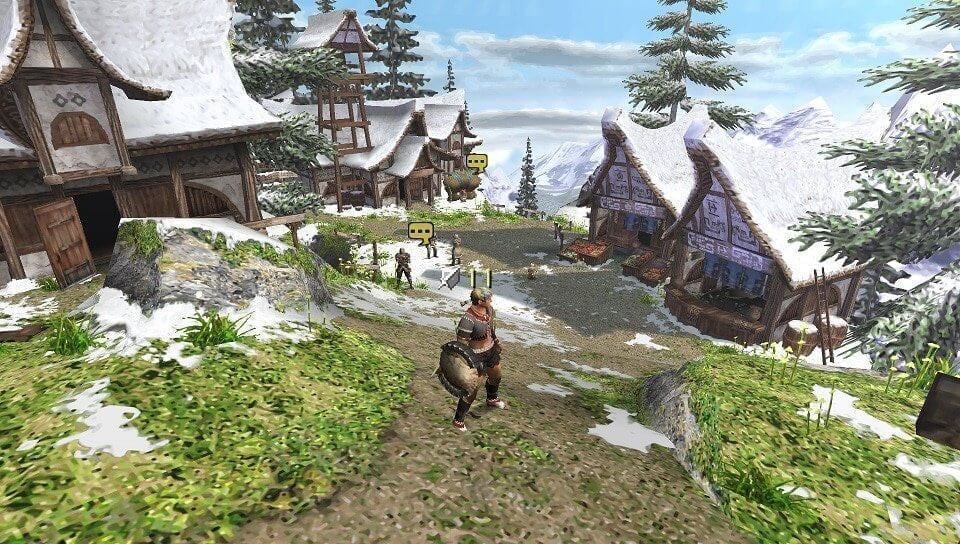

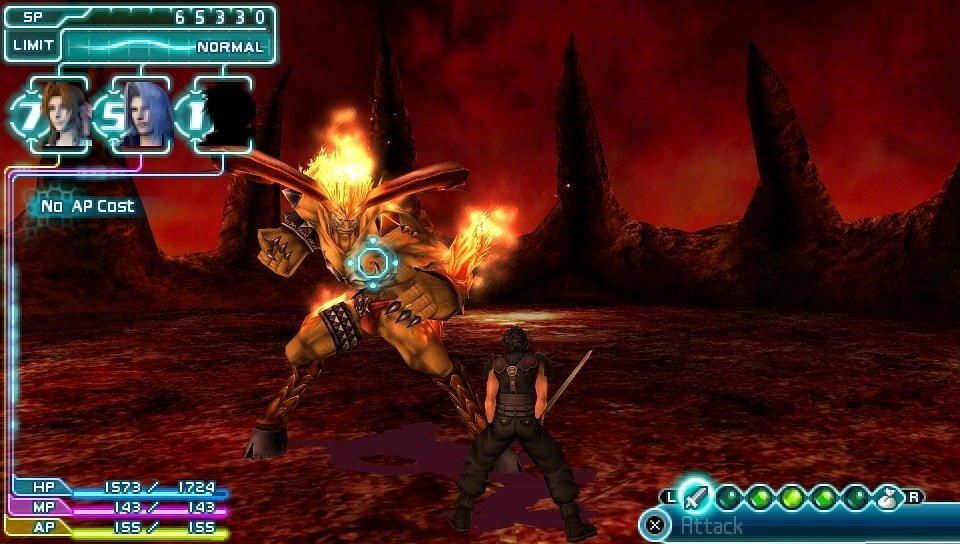
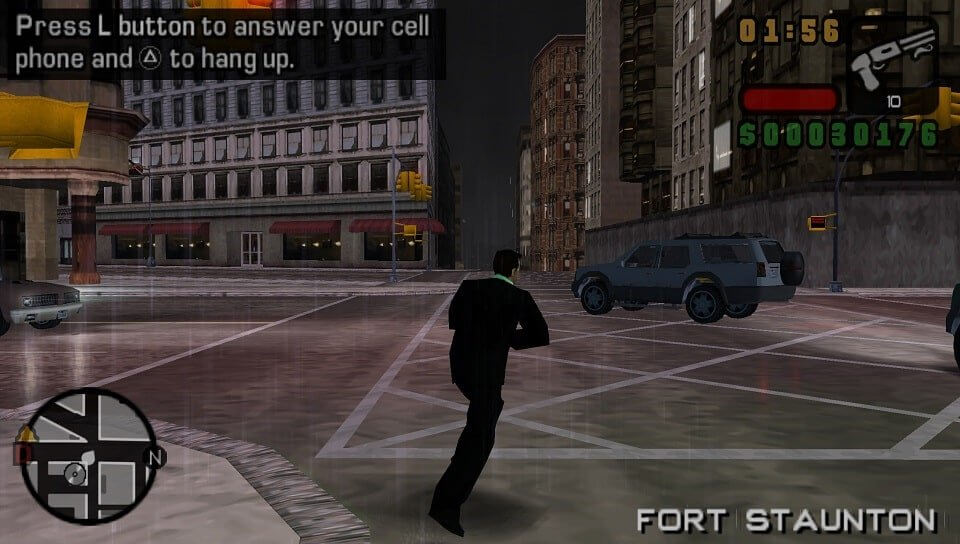
PPSSPP is an open source PlayStation Portable emulator created in 2012 by Henrik Rydgård, who is also one of the founders of the Dolphin emulator. It was designed to be both fast and portable, and it runs on Windows, macOS, Linux, Android and iOS.
PPSSPP runs almost the entire PSP library. It can render games at several times the PSP’s resolution, with texture scaling, shaders and texture replacement, and it supports save states, cheats and ad hoc multiplayer over the internet.
Its low system requirements make it run well even on modest phones. The author also sells PPSSPP Gold, which is identical to the free version and exists to support development.
Note: the Linux download here is an old release. On Linux, the easiest way to get a current version is from Flathub or your distribution’s package manager.
Which download to pick
- Stable is the one to use on every platform. Windows has two builds: x64 for most PCs, and ARM64 for Windows on ARM laptops, where it avoids the slowdown of running x86 code through translation. There are also an Android APK and a macOS disk image.
- Linux: the official AppImage runs on most distributions without installing. Make it executable and run it. Take x86_64 for most PCs and ARM64 for ARM boards and laptops. PPSSPP is also on Flathub.
- Nightly builds are made from the latest development code for Windows and Android. They have the newest fixes but are less tested than the stable release.
System requirements
PPSSPP’s own guidance is that nearly any PC from the last 15 years will run it, as long as the graphics drivers are up to date and the GPU supports at least OpenGL 3.0. Nearly any recent Android phone works. Any Apple Silicon Mac runs it well; many Intel Macs do too, though Macs with Radeon graphics have known issues.
Getting started
- No BIOS is needed. PPSSPP simulates the PSP’s BIOS and operating system itself.
- Games are ISO files (optionally compressed as CSO or CHD) dumped from your own UMDs, or PSN games copied off your own PSP over USB.
- Open a game from the Games tab by browsing to its folder, or with File > Load on Windows and macOS.
- PPSSPP treats a folder as the PSP’s Memory Stick, and save data is stored there. On Android 11 and later you choose this folder yourself.